
May 27, 2026
How to Create Shopify UGC Video Ad Variations From One Brief
A practical workflow for turning one Shopify product brief into multiple UGC-style video ads with avatars, scenes, scripts, and reusable variations.
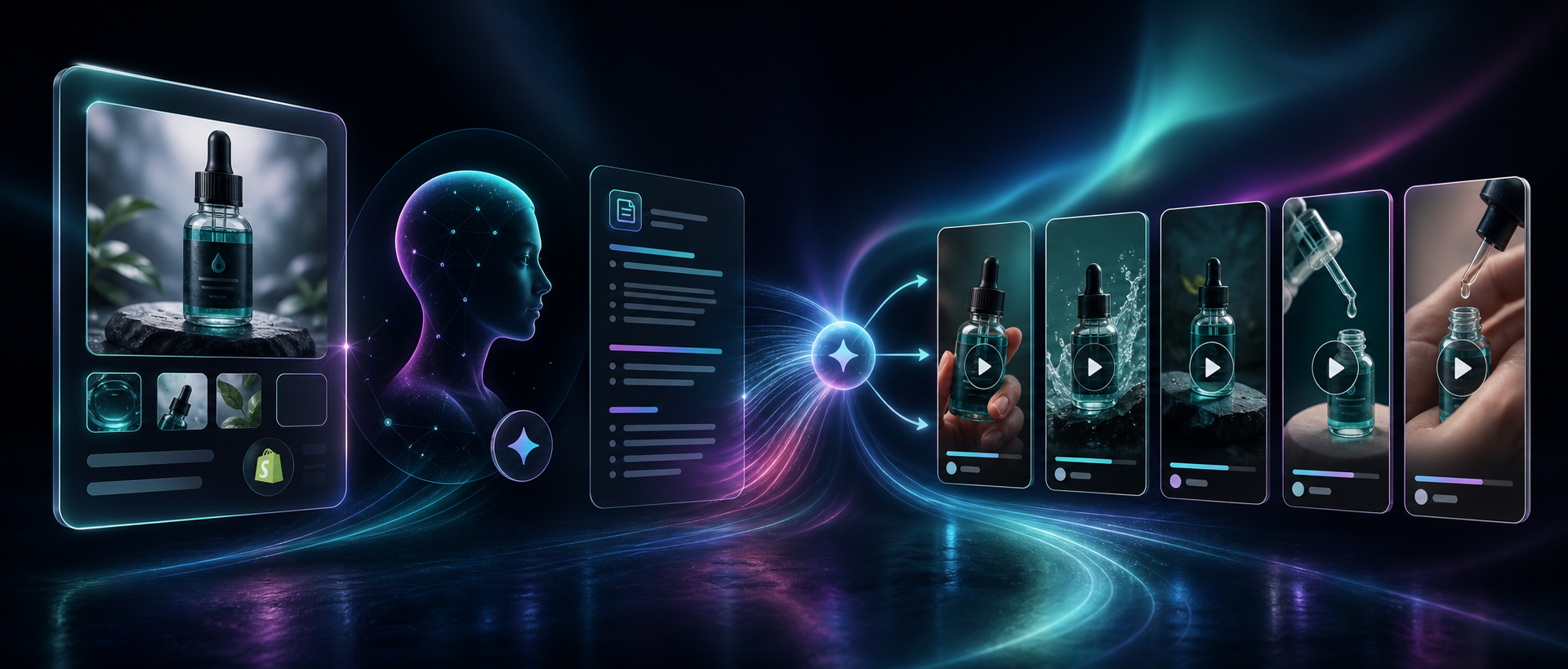
How to Create Shopify UGC Video Ad Variations From One Brief
I used to think UGC-style video meant booking a creator, setting up a shoot, and waiting for an editor to turn one idea into a finished asset. For Shopify, that is usually too slow.
With Supra UGC Maker, the smaller job is to turn one product brief into a believable short-form video, then spin that idea into multiple versions fast enough to test. The app is built for Shopify merchants who want AI avatar videos for ads, product pages, launches, email campaigns, and seasonal promotions without hiring influencers for every variation.
If you want the adjacent playbooks open while you work, keep How to Turn One Shopify Product Into Five UGC Video Ads, How to Turn One Product Brief Into Five Shopify Video Ads, How to Make Shopify UGC Video Variations for Ad Testing, and How I Built a Shopify UGC Ad Testing Matrix close by. They cover the same problem from different angles.
1. Start With One Product And One Job
Do not start by trying to make a general-purpose ad. Start with one product and one job for the video.
Pick the outcome first:
- a direct-response ad;
- a product page explainer;
- a launch teaser;
- an email insert or teaser clip.
That decision keeps the script, avatar, and scene from drifting. If you try to make one clip do every job, the result usually sounds vague.
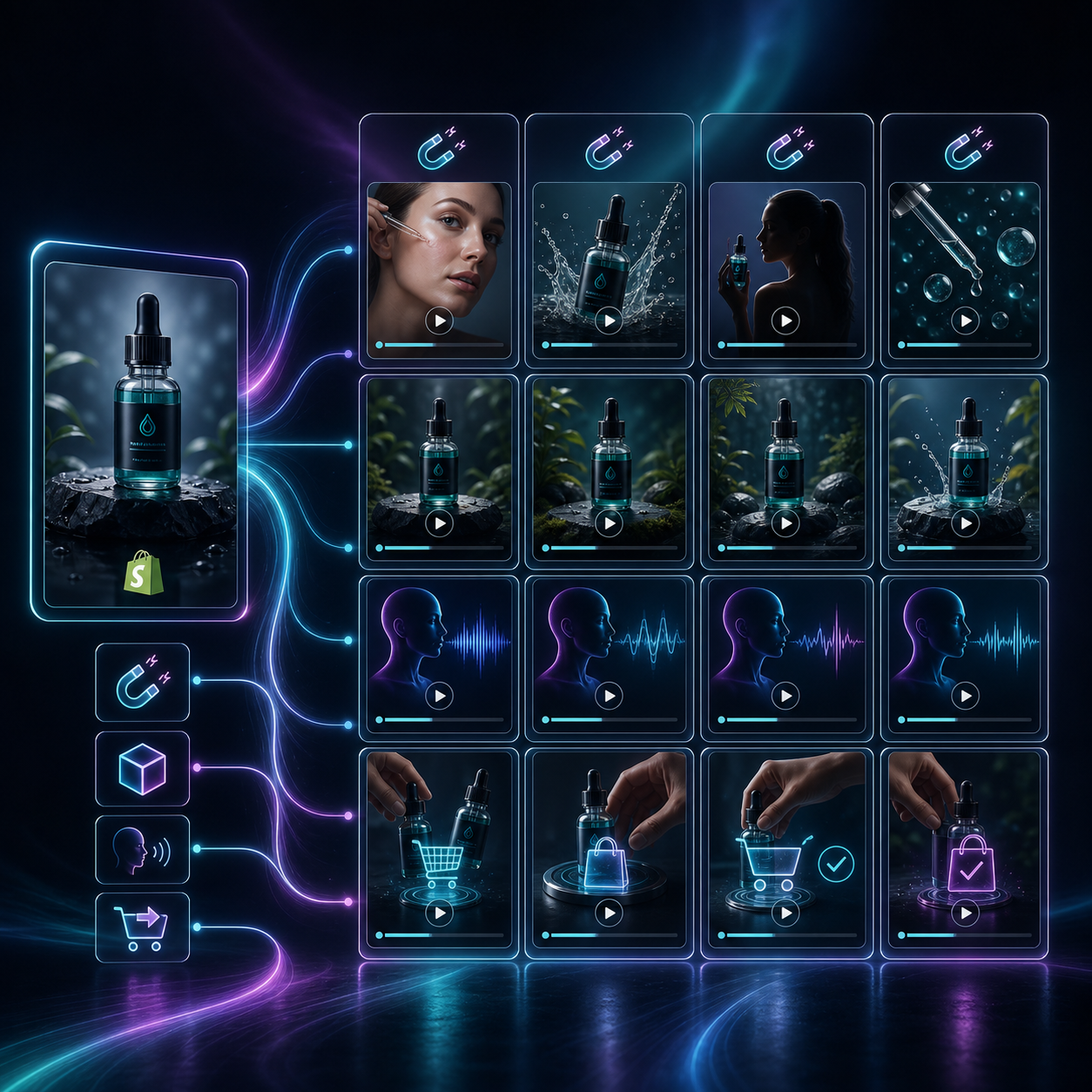
Expected result: you know exactly what the clip needs to do before you generate anything.
2. Write The Hook Before You Touch The Visuals
The hook is the part that decides whether the video gets watched or skipped. I would write that line first, then work backward into the rest of the script.
A simple structure works well:
- Hook: what problem or benefit opens the video?
- Proof: what detail makes the claim believable?
- CTA: what should the viewer do next?
If the video is for paid social, the hook needs to land fast. If it is for a product page, the hook should answer the buyer’s likely objection. Either way, the clip should still feel like a single conversation, not a mini presentation.
Supra UGC Maker supports scripts, speech, tone, reusable projects, and new ad variations, which is the right mix for this step because you can change the message without rebuilding the whole asset.
Expected result: you have one tight script that can fit a 15- to 30-second video without sounding cramped.
3. Choose The Avatar And Scene Together
The avatar and scene should support the claim in the script. I would not pick them independently.
Use a simple rule:
- studio if the product needs a clean demo;
- outdoor if the product fits a lifestyle angle;
- boutique or room setting if context helps the buyer imagine ownership;
- brand-specific scene if the visual identity already matters.
The goal is not realism for its own sake. The goal is a setting that makes the message easier to believe.
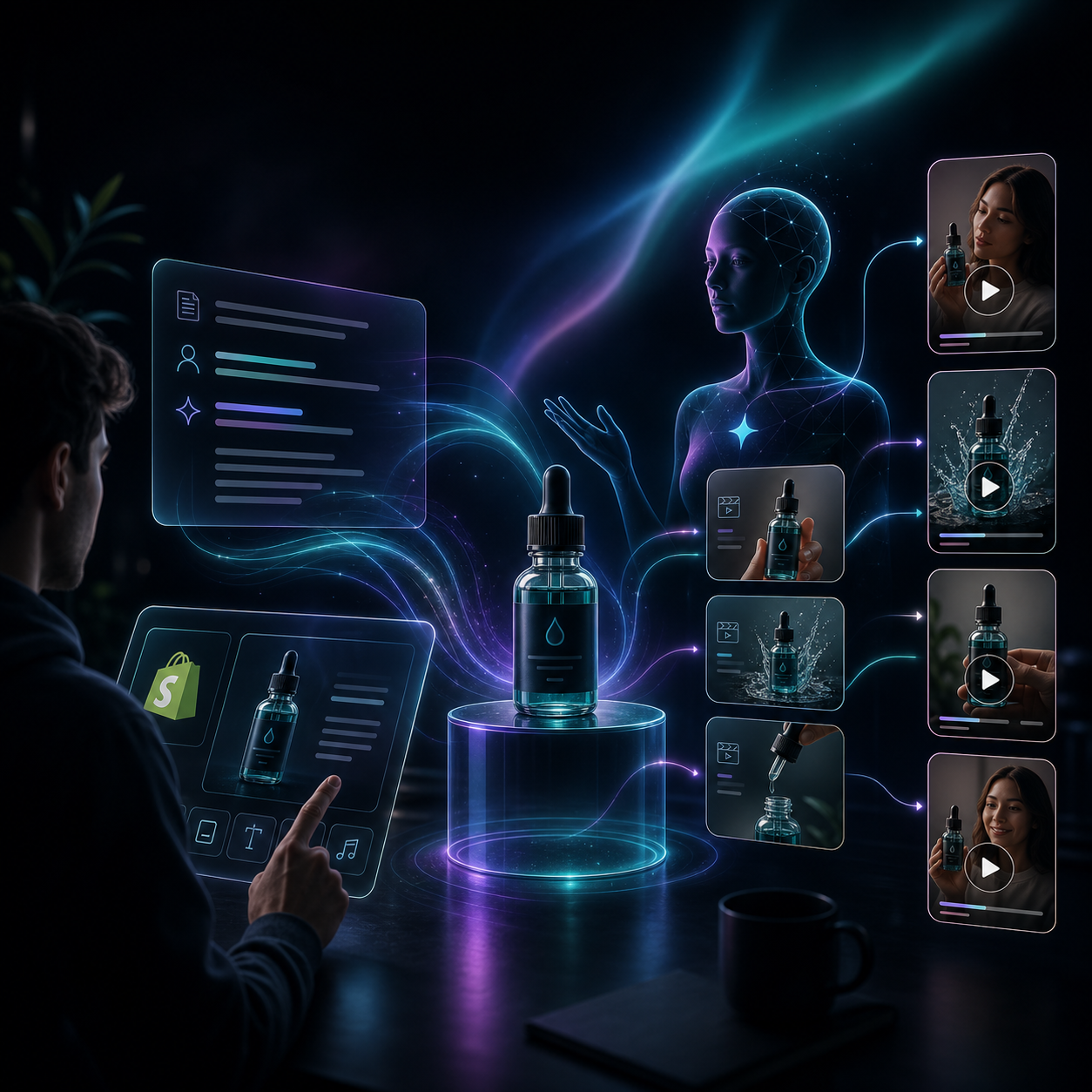
Supra UGC Maker lets you choose a preset avatar or create a custom AI model, set the scene, add a product reference, and choose voice or tone. That gives you enough control to make each version feel intentional instead of random.
Expected result: the avatar and environment already feel like they belong together before you render the clip.
4. Generate Variations By Changing One Variable At A Time
This is the point where the workflow becomes useful instead of just pretty.
I would not stop at one script or one avatar take. I would generate several variations and change only one thing at a time:
- the opening hook;
- the scene;
- the voice or tone;
- the product emphasis;
- the CTA.
That makes the comparison meaningful. If every variable changes at once, you learn very little from the results.
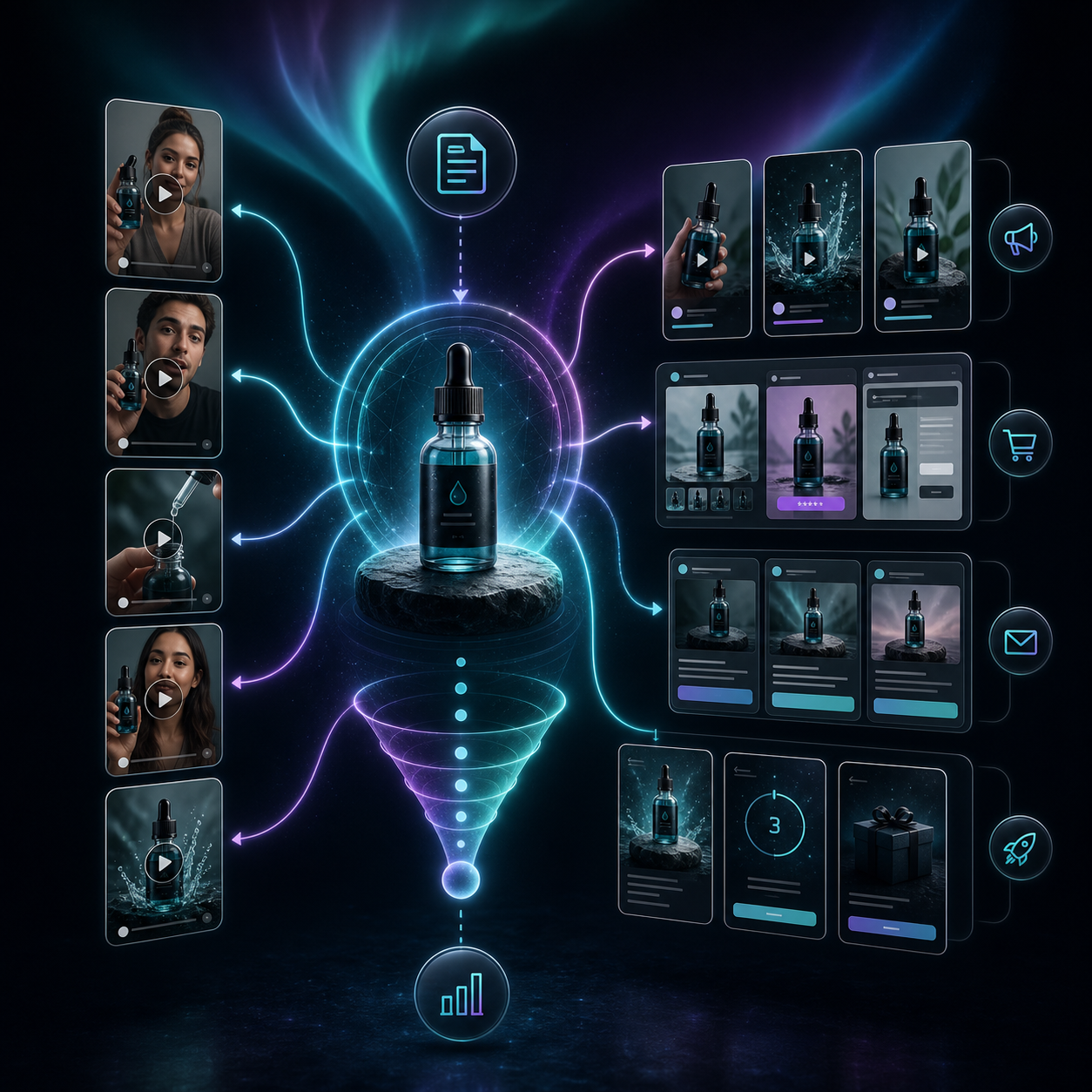
This is also the right place to think about reuse. A strong product brief can become multiple clips if you keep the structure consistent and only vary the angle.
Expected result: you end up with a small set of clips that are close enough to compare, but different enough to teach you something.
5. Review, Trim, And Reorder Before You Publish
The project editor is where you turn a nearly-good clip into something you can actually ship.
I would use the review pass to check four things:
- does the avatar sound like the brand you want to sell;
- does the product stay visible long enough;
- does the clip make the claim cleanly;
- does the ending give the viewer one obvious next step.
Supra UGC Maker supports previewing scenes, reordering clips, trimming segments, updating sections, and regenerating pieces inside one project. That matters because it keeps small fixes small.
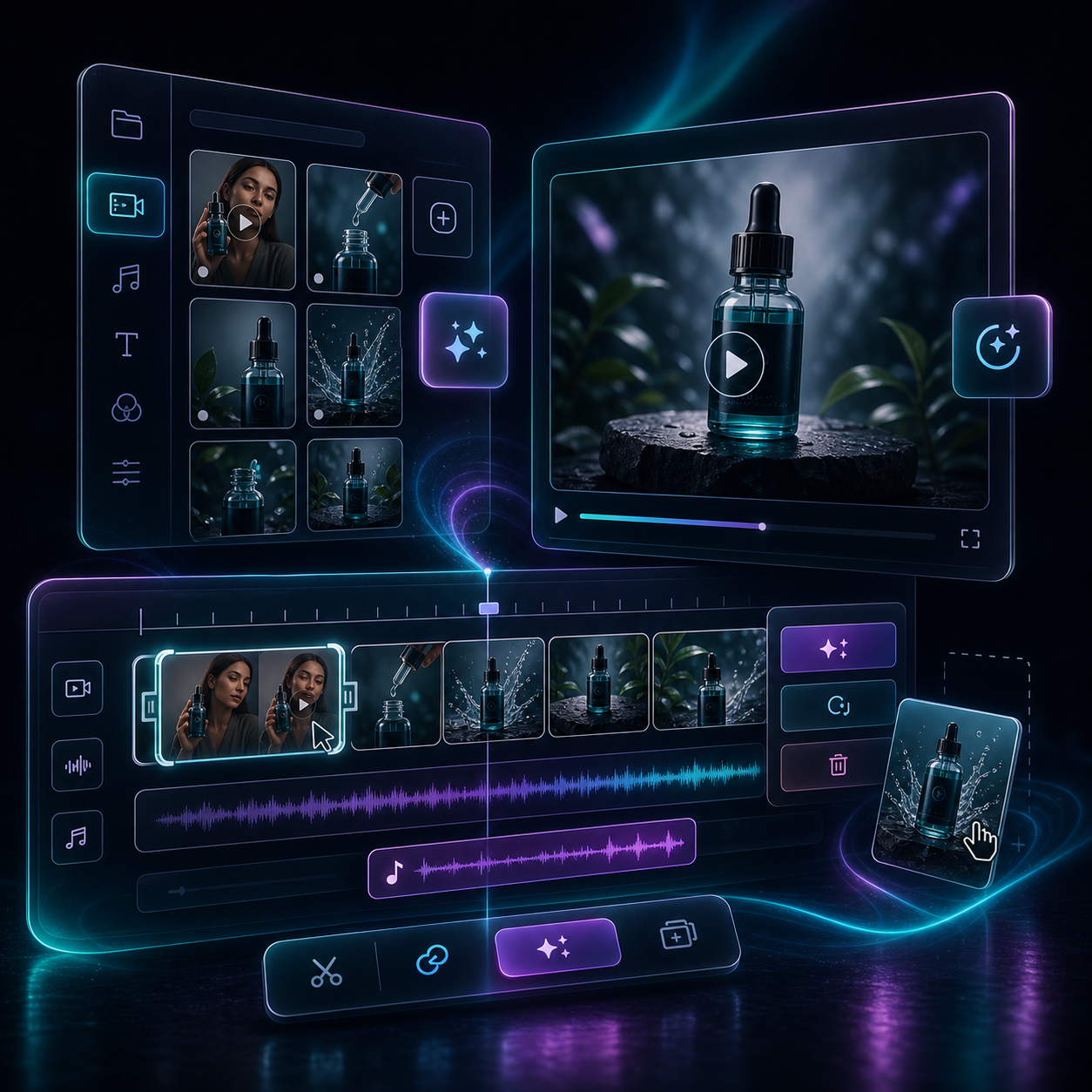
If something feels off, I would change the script or regenerate that segment instead of starting from zero. The point of the tool is speed, not redoing work.
Expected result: the final video feels like a finished marketing asset, not a rough draft with a play button.
6. Reuse The Best Clip Across The Funnel
Once the clip is good enough, do not leave it trapped in one place.
Good placements include:
- paid social ads;
- product pages;
- launch emails;
- post-purchase education;
- seasonal promotions.
That reuse is where the time savings show up. A single product video is rarely the whole answer, but it becomes much more valuable when you can point it at multiple jobs.
If you want a more creative-testing-heavy version of this workflow, How to Make Shopify UGC Video Variations for Ad Testing is the next thing I would read. If you want to see the broader testing structure, How I Built a Shopify UGC Ad Testing Matrix goes deeper on how I would organize the variants.
Expected result: one video becomes a reusable asset instead of a one-off export.
Common Pitfalls
The most common mistakes are boring, but they are fixable.
- Writing a script that tries to explain everything at once.
- Choosing a scene that looks clever but does not support the product.
- Generating one version and assuming it is enough.
- Skipping review because the first render looks close enough.
If the output feels generic, I would shorten the script, simplify the scene, and make the product the first thing the viewer notices. That usually fixes more than people expect.
Bottom Line
I would use Supra UGC Maker when I need believable Shopify video ads quickly and I do not want a separate production process for every variation. The workflow is straightforward: pick one product, write one clear hook, choose an avatar and scene that support the claim, generate a few versions, then keep the clip that is actually useful for the next test.
If you want to try it, start with one product and one brief. Then generate three angles, review the clips, and keep the version that gives you the clearest next step.