
May 31, 2026
How to Build a Shopify UGC Video Testing Matrix
A step-by-step matrix for turning one Shopify product into reusable UGC video variations with avatars, scenes, scripts, and channel-specific cuts.
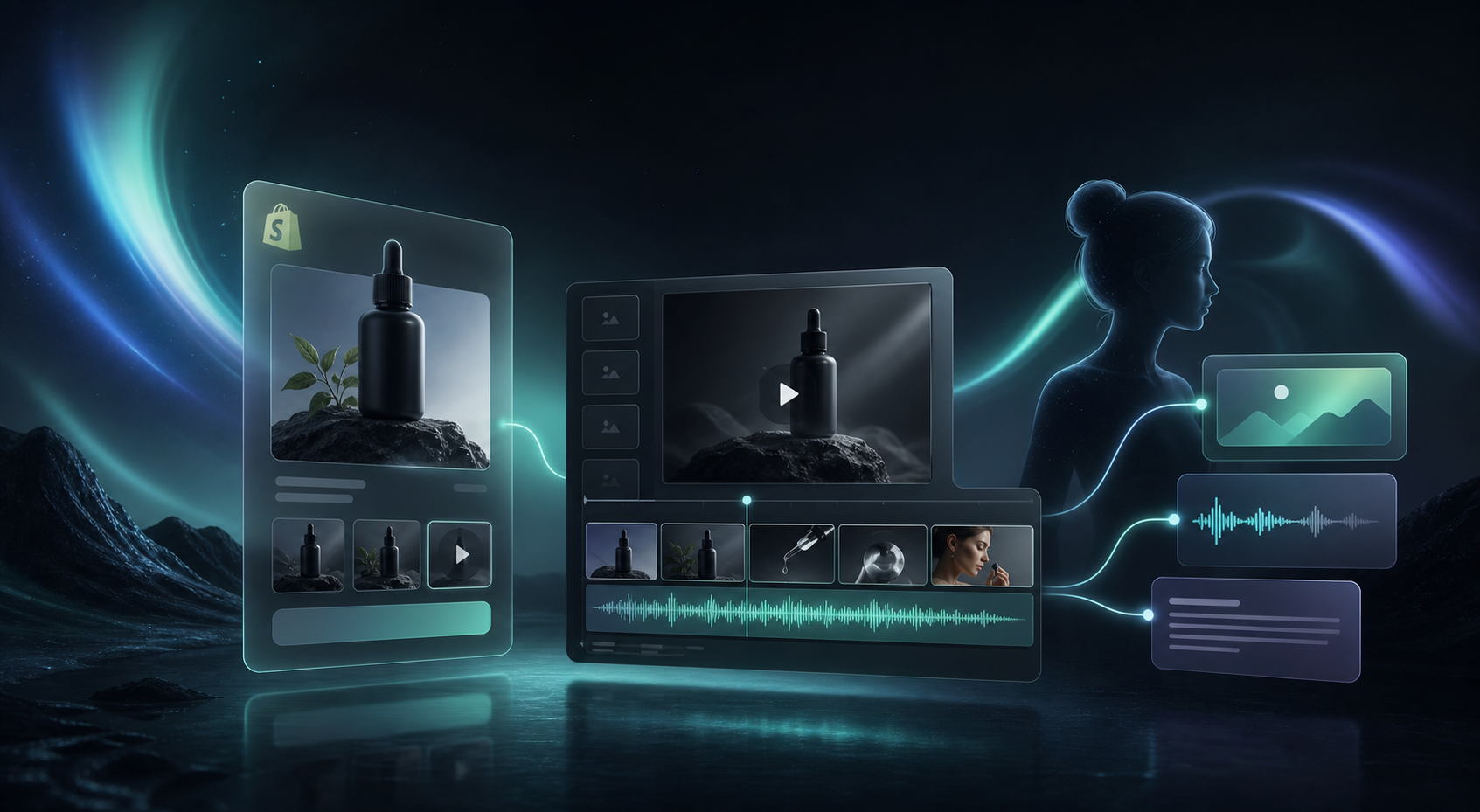
How to Build a Shopify UGC Video Testing Matrix
If you keep rebuilding UGC videos from scratch, the work scales badly. The fix is not to make more random creative. The fix is to make one base project that can produce controlled variations.
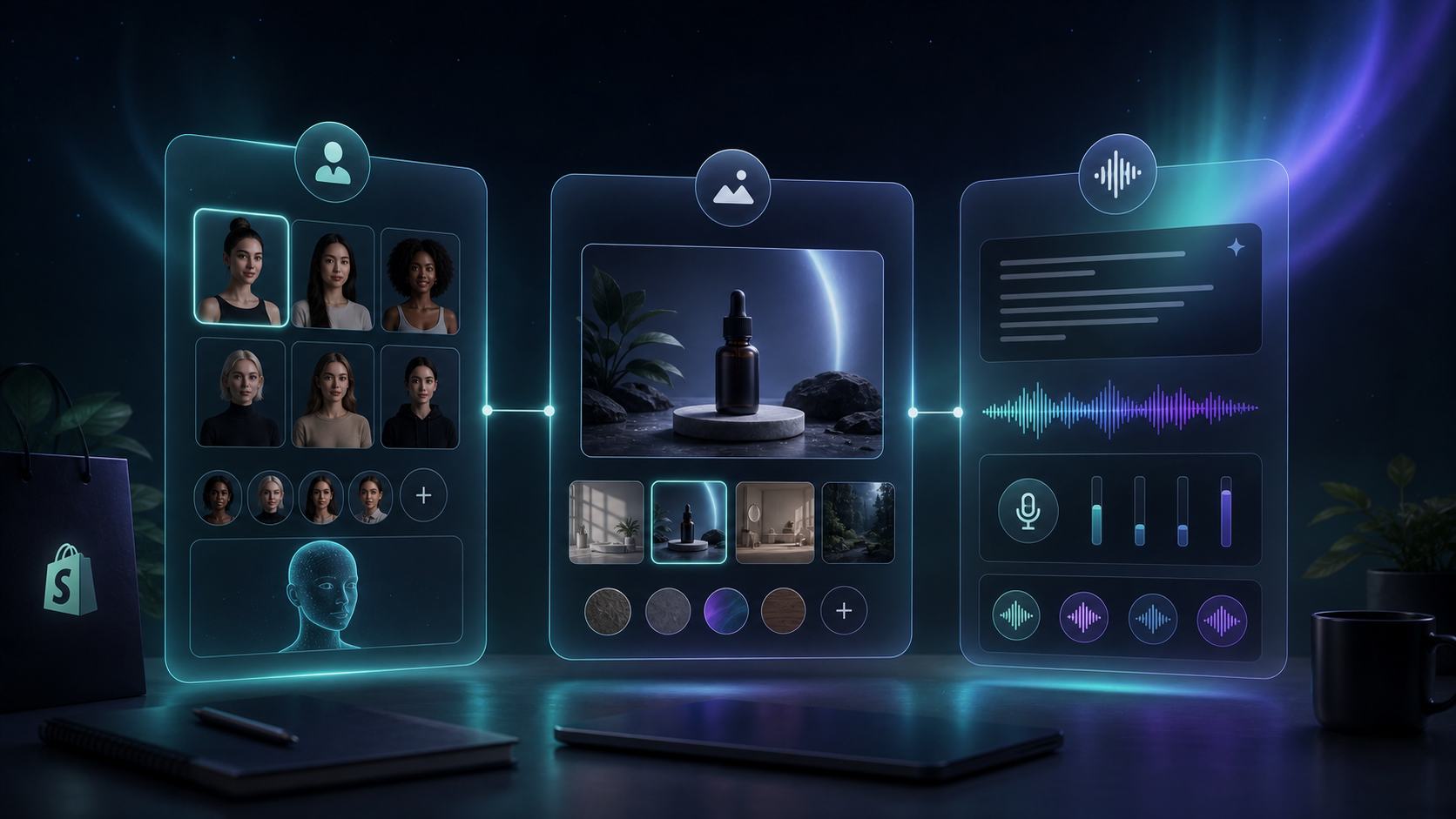
Supra UGC Maker is built for that. You can choose a preset avatar or create a custom AI model, pick a scene/background, add a Shopify product, write the script, choose voice and tone, preview scenes before generating, then reorder, trim, update, and regenerate clips inside the same project. That makes it practical to test hooks and formats without hiring influencers or rebuilding assets every time. If you want the Shopify-side context, the app listing is here.
1. Start With One Product and One Job To Be Done
Write a single-sentence brief before you open the app. Which product are you trying to move, and what should the video do?
A good first brief sounds like this: “Show why this product belongs on the product page for shoppers who need faster decision-making.”
That gives you a clean starting point. You are not testing ten products, four audiences, and three channels at once. You are testing one product, one audience, and one job.
If the brief is still fuzzy, How to Turn a Shopify Product Page Into a UGC Video Brief is the right next read.
Expected result: one product brief that is short enough to reuse.
2. Build One Base Project in Supra UGC Maker
Open Supra UGC Maker and lock the elements that should stay consistent across every test:
- Choose a preset avatar or create a custom AI model.
- Pick a scene/background such as studio, outdoor, boutique, or brand-specific.
- Add the Shopify product.
- Write the core script and choose voice and tone.
Save that setup as your reusable base. Do not optimize for the winning hook yet. Optimize for a stable starting point that can generate consistent output.
This is the part that makes the workflow efficient. If you later want the broader system view, How to Build a Reusable Shopify UGC Video System shows how to keep the process from falling apart after the first campaign.
Expected result: one project you can duplicate instead of recreating.
3. Vary Only Four Things at a Time
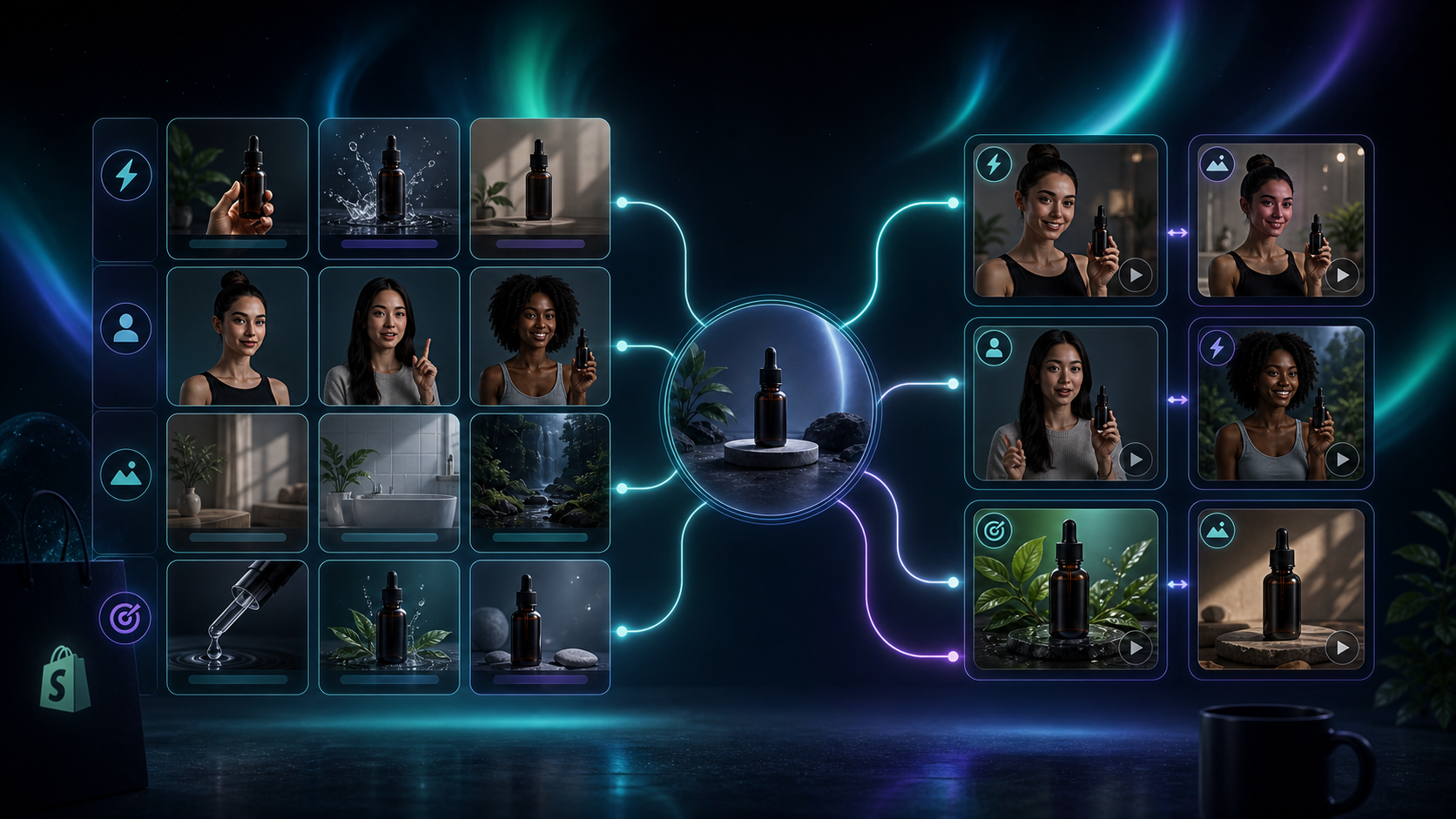
A testing matrix works because every variation changes one controlled input. Keep the product constant and rotate the variables that actually affect performance.
The four variables I would test first are:
- Hook
- Avatar
- Scene
- CTA
That gives you a practical set of combinations without turning the project into noise. For example, the product can stay the same while one cut opens with a problem, another opens with proof, and a third opens with a direct offer.
If you want a tighter ad-specific workflow, How to Create Shopify UGC Video Ad Variations From One Brief is the natural follow-up. If you already know you need placements beyond ads, How to Plan Shopify UGC Video Variations for Ads, Product Pages, and Email is the multi-channel version of the same idea.
Expected result: four to six variations that differ in one meaningful way.
4. Generate, Review, and Regenerate Only the Weak Parts
Use preview scenes before generating. Then create the first cut, watch it, and adjust the smallest thing that makes it weak:
- Shorten the hook.
- Swap the scene.
- Change the tone.
- Move the product earlier.
- Trim the segment.
That is where the product’s project tools matter. Supra UGC Maker is designed to let you preview, then reorder, trim, update, and regenerate clips without starting over. You should not throw away a good avatar or a good scene because one line of script missed the mark.
The goal is not perfection on the first render. The goal is to preserve the winning parts and replace the weak parts.
Expected result: a small set of videos that still belong to the same system.
5. Match Each Cut to a Channel
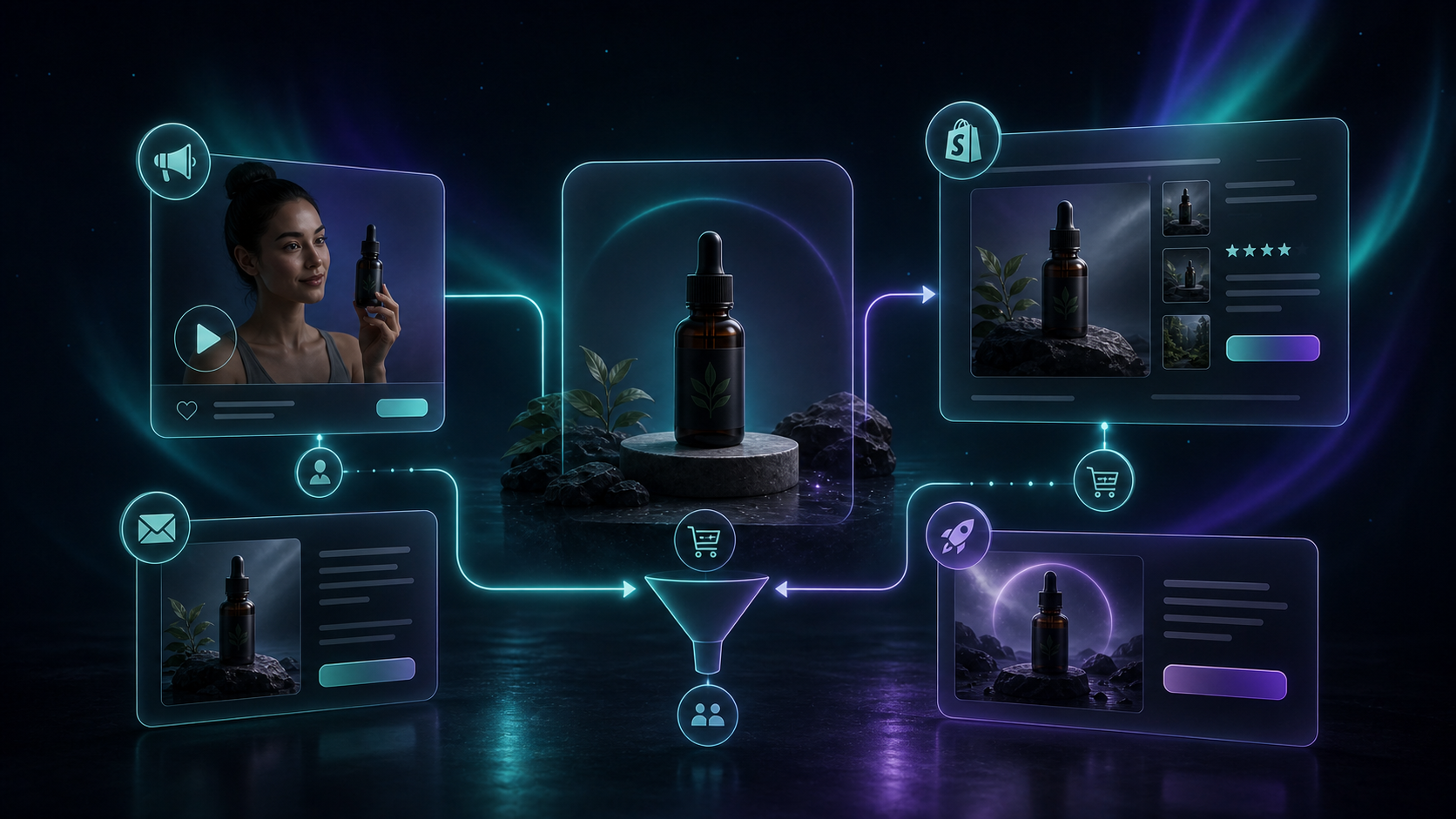
The best ad cut is not always the best product-page cut.
- Ads need the fastest hook.
- Product pages need clarity and product context.
- Email needs a short teaser or reminder.
- Launches can use a broader brand story.
This is where the matrix turns into a marketing plan. A single product can support several placements, but each placement should get its own version of the message.
If you want a deeper operational version of that workflow, How I Built a Shopify UGC Video Variation Pipeline shows the same idea from a production perspective.
Expected result: each variation has one placement and one purpose.
6. Keep the Winner and Iterate From There
When a variant wins, do not restart the whole project. Keep the avatar, scene, and product reference. Change the hook, CTA, or tone, then generate the next test set.
That is the main advantage of a reusable UGC workflow. Instead of building one-off videos, you end up with a library of proven combinations.
If you only want to validate the workflow first, the free plan is enough to start. Supra UGC Maker includes 3 video segments per month and 6 image generations per month on the free tier, which is enough to test a small matrix before you scale.
Start with one product, one avatar, and three hooks on the Supra UGC Maker landing page, or install it from the Shopify App Store. Once you have one winning combination, the next matrix is much easier to build.
Expected result: a repeatable testing loop instead of a one-off campaign.