
May 31, 2026
How to Turn Video JSON Into Browser Preview and MP4 Export
Build a portable VideoFlow pipeline that compiles to VideoJSON, previews in the browser, and renders MP4 without rewriting the project for each target.

If you need to generate the same video in more than one place, the simplest path is not a custom timeline for each target. VideoFlow lets you define the video once as portable JSON, then render that same source in the browser, on a server, or inside a live DOM preview. That is the core workflow behind the open-source toolkit at VideoFlow.
This guide shows the minimal path: start with @videoflow/core, compile a scene to VideoJSON, render it in different environments, and add the React editor only when you need a visual editing surface. If you want the deeper docs while you read, keep the core docs, renderer docs, playground, and React video editor open.

1. Start With One Scene Description
VideoFlow is designed for developers who want video to behave like code: versionable, diffable, and reusable. That matters when you are producing product demos, onboarding clips, ecommerce creatives, or AI-generated variations. Instead of editing a one-off timeline, you build a scene that can be checked into Git and rendered again later.
The basic setup is deliberately small:
import VideoFlow from "@videoflow/core";

const $ = new VideoFlow({
  name: "My Video",
  width: 1920,
  height: 1080,
  fps: 30,
});

$.addText(
  { text: "Hello, VideoFlow!", fontSize: 7, fontWeight: 800 },
  { transitionIn: { transition: "overshootPop", duration: "500ms" } }
);

const json = await $.compile();
const blob = await $.renderVideo();
The important part is not the text layer itself. It is the fact that the whole composition can be compiled into portable VideoJSON. Once you have that output, the same source can drive previews, exports, or a more visual editor.
2. Render the Same JSON Where You Need It
VideoFlow splits rendering into three useful targets:
@videoflow/renderer-browserwhen you want MP4 export inside the browser without shipping the project to a separate render service.@videoflow/renderer-serverwhen you want headless rendering from Node.js for APIs, queues, or batch jobs.@videoflow/renderer-domwhen you need a live, scrubbable preview inside an app or dashboard.
That separation is why a single JSON source is so useful. You are not rewriting the scene for each runtime. You are choosing the right renderer for the job. If you want a focused browser-export walkthrough, How to Build a Browser-Based MP4 Exporter Without a Rendering Server is a useful companion. For a broader TypeScript-first build, see How to Generate MP4 Videos from JSON with TypeScript.
3. Add a Visual Editor Only When the Workflow Needs One
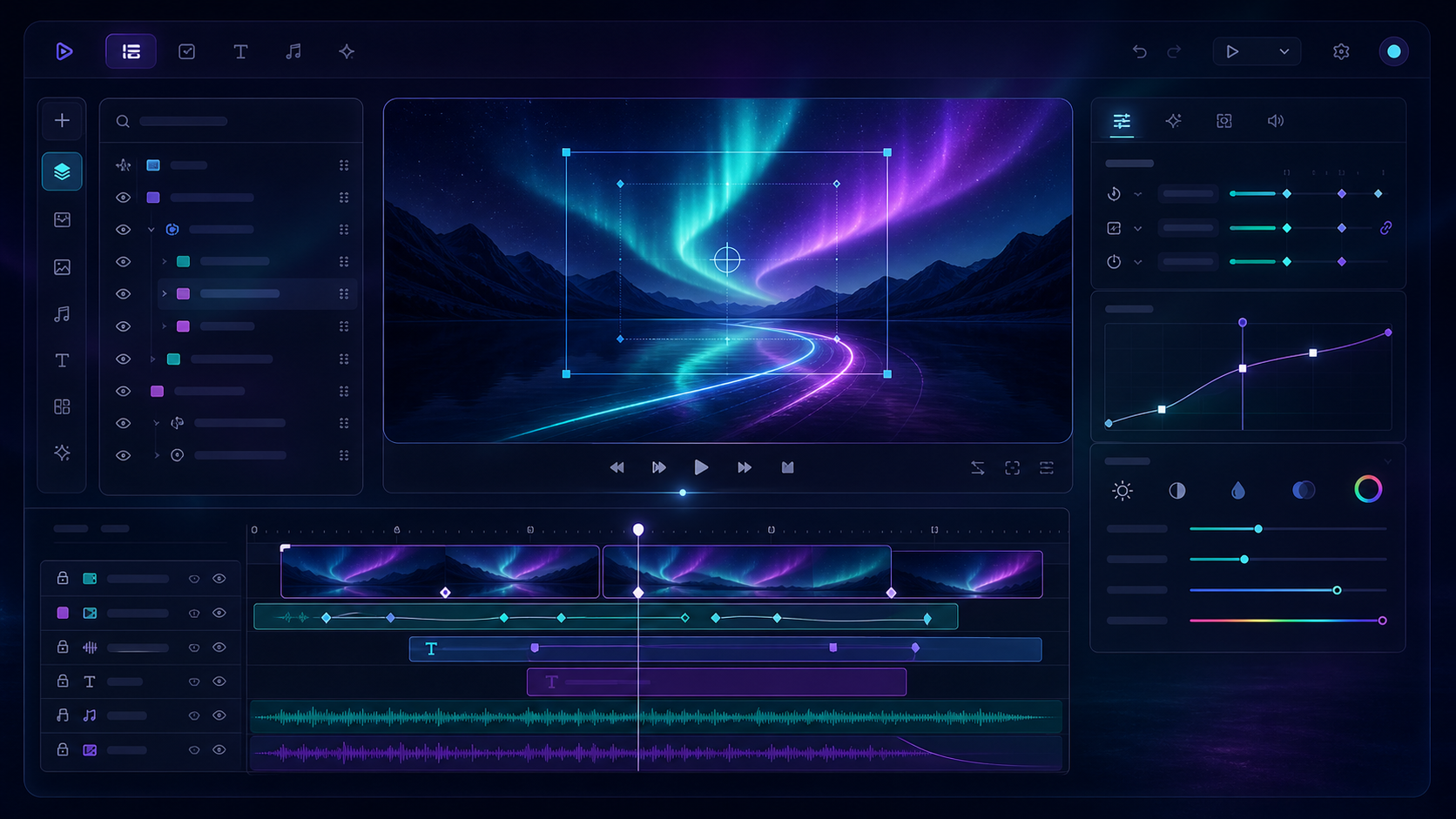
Some teams only need code-driven generation. Others want designers, marketers, or operators to tweak a scene without editing TypeScript. That is where the React editor fits. It gives you a multi-track timeline, inspector controls, drag-and-drop editing, and MP4 export without forcing you to abandon the JSON source of truth.
import { VideoEditor } from "@videoflow/react-video-editor";
import "@videoflow/react-video-editor/style.css";

export default function App() {
  return (
    <VideoEditor
      video={videoJSON}
      onChange={(next) => saveToServer(next)}
      onSave={async (next) => await persist(next)}
      onUpload={async (file) => await upload(file)}
      theme="dark"
    />
  );
}
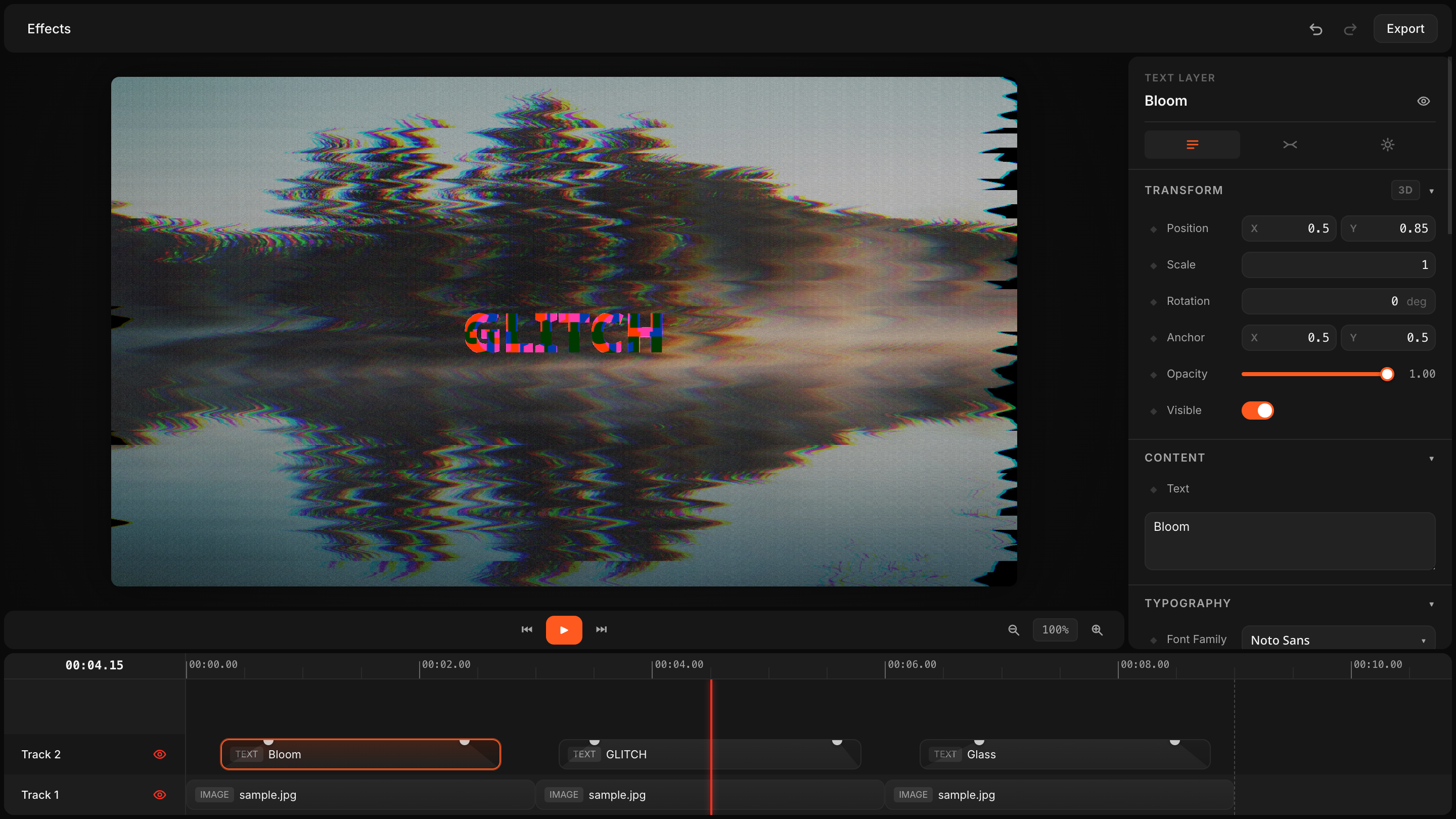
The editor page at videoflow.dev/react-video-editor shows the intended shape of the experience. If you are building an app-facing editor, this is also the right moment to read How to Add a Multi-Track React Video Editor to Your SaaS App.
4. Keep Templates Maintainable
The long-term win with VideoFlow is maintainability. You can keep templates in Git, diff them, generate variants from data, and reuse the same scene logic for different outputs. That is especially useful for AI-assisted workflows, because an agent can produce structured VideoJSON more reliably than it can manipulate a manual timeline.
For that reason, the most useful mental model is not “video editing app” but “video pipeline.” The pipeline starts with a source description, passes through a renderer, and ends with a predictable MP4 output. If you want to see that pattern applied to agent-driven generation, How to Build an AI Video Workflow From Prompt to JSON to MP4 is the next article to read.
5. Decide Which Path You Actually Need
Use the core package when you want code-first generation and a stable JSON source of truth. Add the browser renderer when the user should export locally. Use the server renderer when throughput or automation matters more than a client-side experience. Add the DOM renderer when preview fidelity inside the app matters. Bring in the React editor only if you need humans to make direct adjustments.
That is the pattern VideoFlow is built for: one portable description, multiple render targets, and a clear handoff between code and UI. The toolkit is open source under Apache-2.0, so you can keep the stack transparent while still shipping a polished video workflow.
Next Step
Start with one small template, compile it to VideoJSON, and render it in one environment first. Once that works, add the second renderer. After that, wire in the editor or agent workflow only where it saves real time.
If you want to explore the product itself, go to VideoFlow or try the playground.