
June 3, 2026
How to Build a Shopify AI Agent for Daily Store Operations
A practical guide to setting up a scoped Shopify AI agent for reporting, alerts, product cleanup, and support drafts with Clawly.
How to Build a Shopify AI Agent for Daily Store Operations
If your team is still handling reports, low-inventory alerts, product cleanup, and support drafting by hand, the problem is not that Shopify needs more automation. The problem is that most automation is too rigid or too broad.
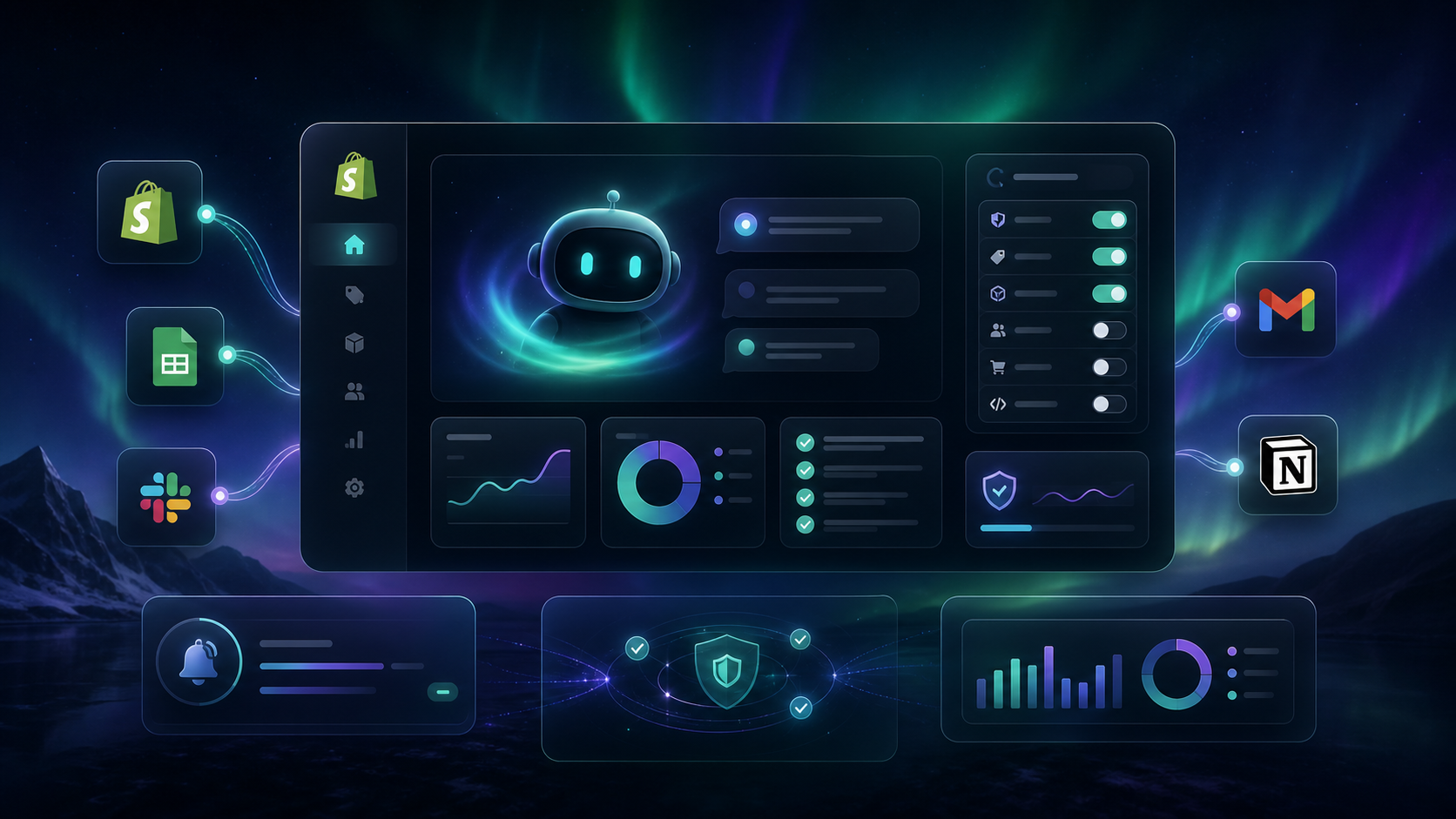
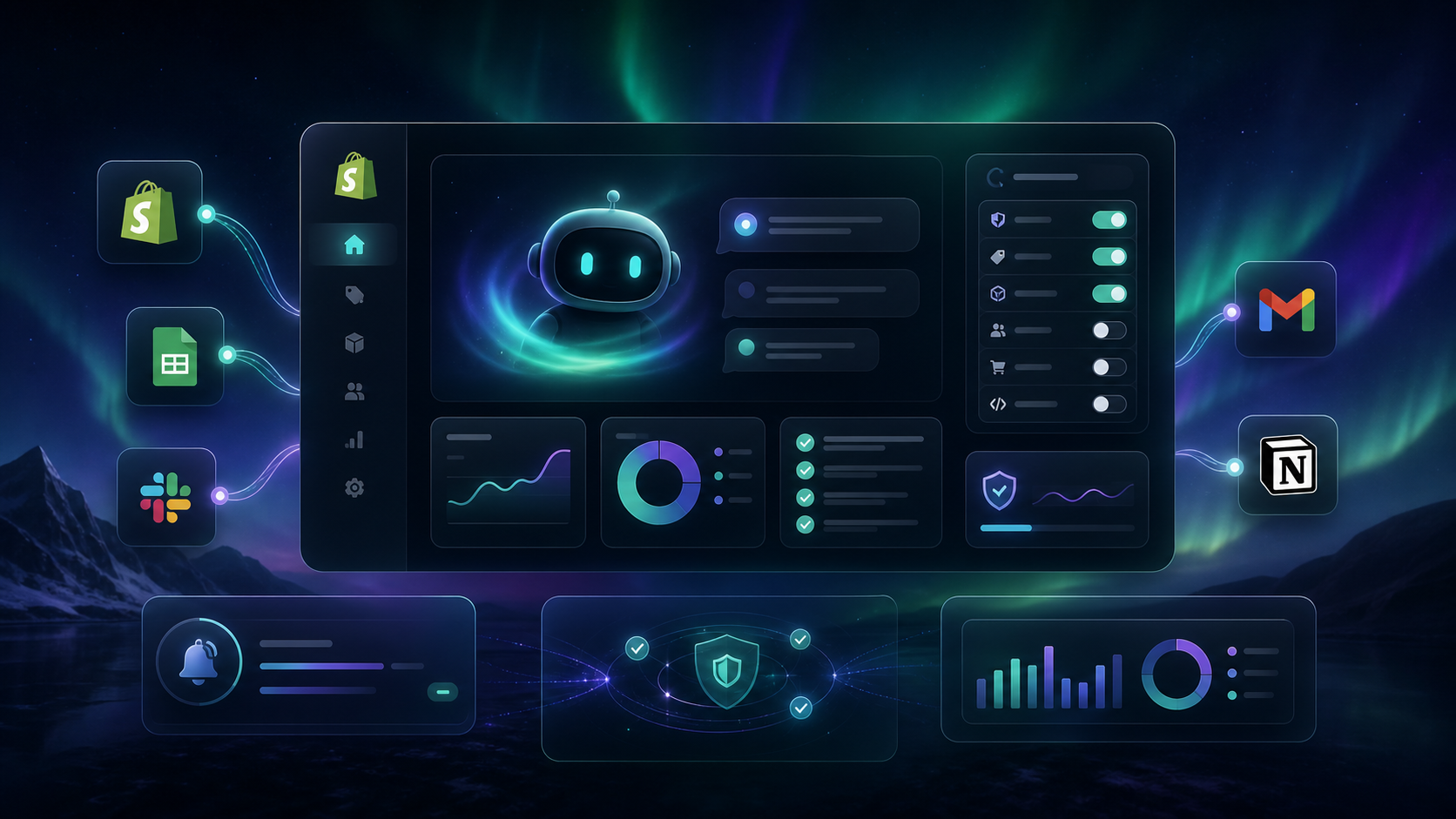
Clawly is the practical version of an OpenClaw for Shopify: you describe the assistant, connect the tools it actually needs, and control what it can read or change. That makes it a stronger fit for real store work than a generic chatbot. The fastest way to evaluate it is the Clawly landing page or the Shopify App Store listing.
1. Start With One Job the Agent Can Own
Do not begin with a vague goal like “automate the store.” Begin with one repetitive task that already has a clear input, a clear output, and a human owner.
Good first jobs are:
- a daily sales report;
- a low-inventory alert;
- a product cleanup pass for titles, tags, or descriptions;
- a support draft that a person can review before sending;
- a weekly summary of store activity.
The reason to start this way is simple. If the agent is responsible for one narrow outcome, it is easy to tell whether it worked. You are not debugging a whole operations stack; you are checking one workflow.
When this step is done well, the assistant has a single purpose and a clean success condition. That is the safest way to introduce an AI agent into a Shopify store.
2. Create the Assistant Around the Workflow, Not the Hype
Clawly is built around the idea that you create an AI Agent for Shopify by describing what the assistant should do. That matters because the instruction itself becomes the working contract.
For a store ops assistant, I would write the instruction in plain language:
- read the store data I ask for;
- summarize the important changes;
- flag anything unusual;
- only modify records I explicitly allow;
- notify me when a human review is needed.
If the workflow touches products, orders, or support, keep the instruction anchored to those boundaries. The app is meant for store operations, marketing, product work, monitoring, and support, so there is no need to make the assistant do more than one lane at a time.

3. Connect Only the Tools the Task Actually Needs
The safest automation is the one with the smallest useful toolset.
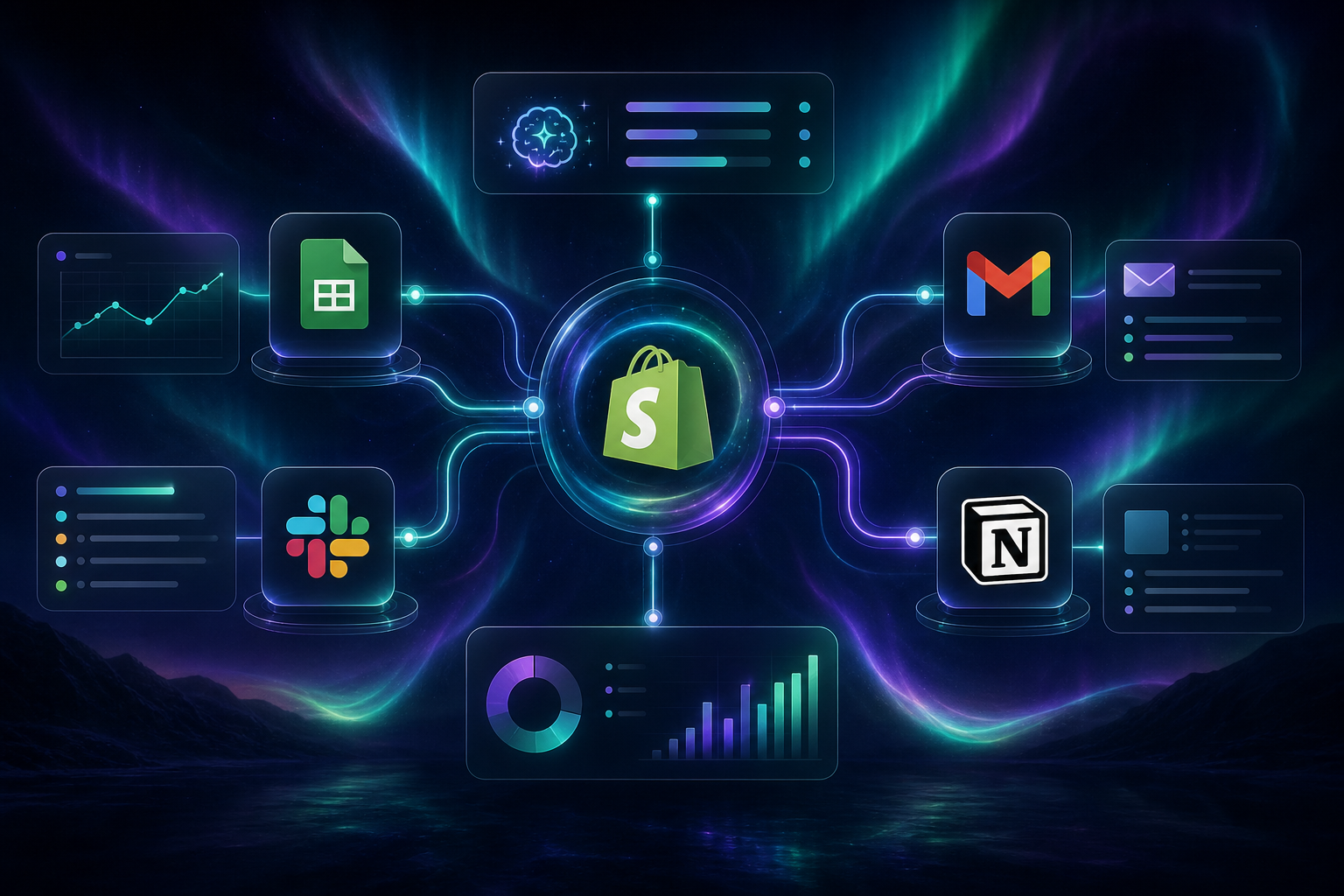
Clawly can connect to Shopify and external tools such as Products, Orders, Google Sheets, Gmail, Slack, Notion, Instagram, Meta Ads, Klaviyo, and many more integrations listed on the product page. That breadth is useful, but the first version should stay narrow.
If the assistant is sending a daily report, it probably needs:
- Shopify admin access for store data;
- Google Sheets if you keep a working log;
- Slack or Gmail if you want the report delivered somewhere visible.
If the assistant is doing product cleanup, it may need:
- Shopify product access;
- a place to store notes or approvals;
- a notification channel for exceptions.
If the assistant is helping support, it may need:
- order data;
- customer context;
- Gmail or another inbox tool for draft replies.
When the connections are scoped correctly, the assistant feels useful instead of risky. It can do the job without wandering into unrelated parts of the store.
4. Make the First Automation Boring on Purpose
The best first automation is not the fanciest one. It is the one you can run every day without worrying about side effects.
For most stores, I would start with a daily report or a low-inventory alert. Those workflows are ideal because they expose the state of the store without making risky changes.
A useful daily report should answer a few questions:
- what changed since yesterday;
- which products or orders need attention;
- whether inventory is getting tight;
- whether anything looks abnormal;
- whether a person should review the result.
That gives you a repeatable checkpoint and a habit of checking the same signal every day. If you want adjacent reading on workflow discipline, How to Automate Shopify Blog Posts With Product-Aware Drafts and How I Turn Shopify Product Context Into Blog Posts That Rank both use the same principle: start with a narrow job and keep the context intact.

5. Add Human Review Where the Risk Is Highest
Clawly is strongest when it helps a merchant move faster without removing judgment.
That is why the product emphasizes scoped permissions and guardrails. Use the assistant to prepare the work, flag the problem, or draft the next step. Keep a person in the loop when the action could affect revenue, customer trust, or sensitive store data.
Good places for review include:
- support replies before they are sent;
- product edits before they go live;
- anomaly alerts before anyone changes inventory;
- marketing content before it is published.
If you already have a product-side workflow, the article How to Schedule Bulk Shopify Catalog Changes Without Breaking Variants is a good companion, because the same rule applies there: constrain the blast radius before you scale the change.

6. Expand Only After the First Pass Feels Predictable
Once the first automation is stable, add one more workflow. Do not add five.
The sequence I would trust is:
- one daily report;
- one low-inventory alert;
- one product cleanup workflow;
- one support drafting workflow;
- one reporting or marketing handoff.
That order keeps the assistant useful while preserving control. It also makes it easier to see where the workflow breaks if something goes wrong.
If your team is building multiple content or ops flows, How to Build a Product-Aware Shopify Blog Workflow and How I Review AI-Generated Shopify Blog Posts Before Publishing are good models for that same staged rollout: define the handoff, review the output, then widen the scope.
Bottom Line
Clawly makes the most sense when you treat it like a store-specific AI assistant with boundaries, not a free-form chatbot. That is the right shape for Shopify automation because the work is real, the data matters, and the consequences of a bad change are immediate.
If you want to try it, start with one narrow assistant: a daily report, a low-inventory alert, or a support draft workflow. Set the permissions tightly, verify the first output, and only expand once the process feels boring in the best way.
The next step is simple: open the Clawly Shopify App Store listing, choose one workflow, and build the first AI Agent for Shopify around that single job.