
June 25, 2026
How to Add a React Video Editor Without Rewriting Your Video Pipeline
Build a React video editor on top of VideoFlow while keeping preview, export, and template data in one portable source of truth.
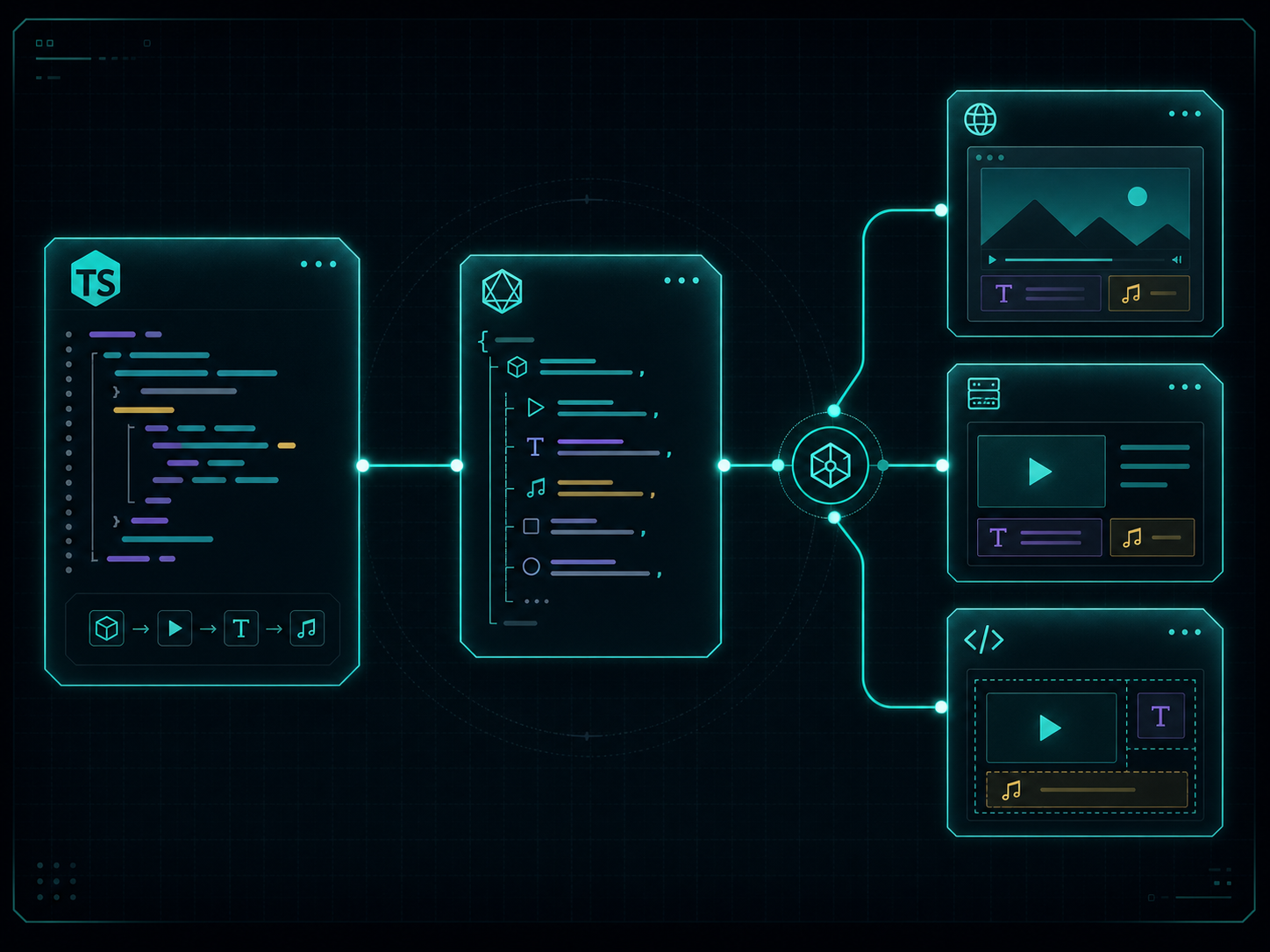
If you want a React video editor inside a SaaS app, the easiest way to make it brittle is to split the stack into separate preview, export, and editing implementations. VideoFlow is built to avoid that. You define the scene once in TypeScript, compile it to portable VideoJSON, and reuse the same structure in the browser, on the server, and in a live DOM preview. The React editor sits on top of the same data instead of becoming a parallel system.
If you want the product docs handy while you read, keep VideoFlow, the core docs, the renderer docs, the React Video Editor, the playground, and the examples open.
1. Start with one shared scene model
The first rule is simple: keep the video description in one place. In VideoFlow, that usually means building the scene with @videoflow/core and compiling it into VideoJSON before you decide where it will render.
import VideoFlow from "@videoflow/core";

const $ = new VideoFlow({
  name: "My Video",
  width: 1920,
  height: 1080,
  fps: 30,
});

$.addText(
  { text: "Hello, VideoFlow!", fontSize: 7, fontWeight: 800 },
  { transitionIn: { transition: "overshootPop", duration: "500ms" } }
);

const json = await $.compile();
const blob = await $.renderVideo();
Expected result: one reviewable source of truth that can drive multiple render targets instead of a different timeline for each one.
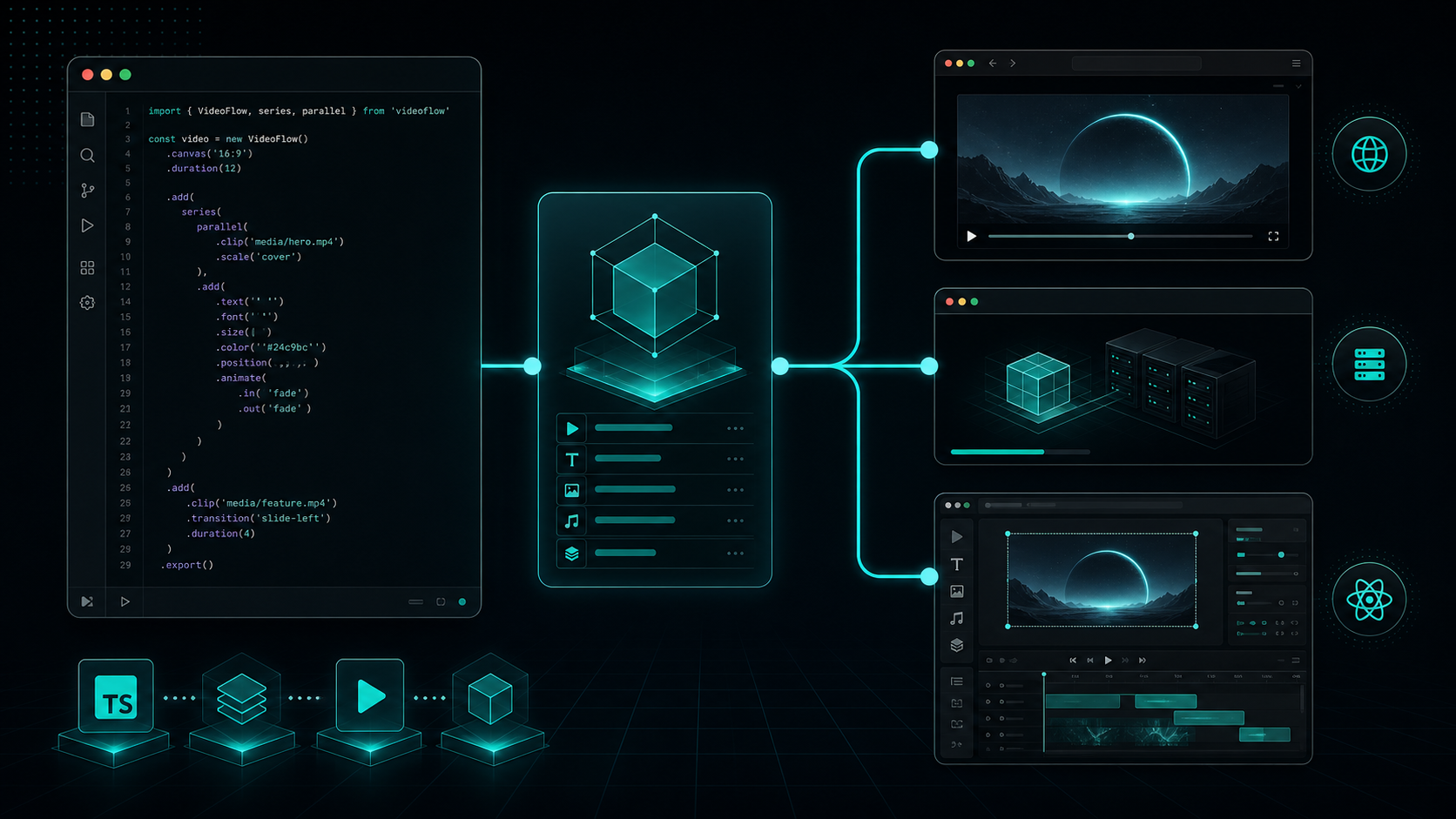
That portability is the reason the browser/export story, the preview story, and the editor story can stay aligned. If you want the architecture view of that split, How I Keep One Video Workflow Portable Across Browser, Server, and React is the best companion article. For the browser export path specifically, How to Add Browser MP4 Export Without Forking Your Video Template goes deeper.
2. Pick the renderer from the runtime, not the other way around
Once the scene is shared, rendering becomes a deployment choice:
- Use
@videoflow/renderer-browserwhen the user should export locally inside the app. - Use
@videoflow/renderer-serverwhen the job needs queues, APIs, or batch throughput. - Use
@videoflow/renderer-domwhen you need a live, scrubbable preview inside the app.
Expected result: the same VideoJSON can move through browser export, server jobs, and live preview without being rewritten for each target.
This is where a lot of editor projects go wrong. They start with a visual surface first, then bolt rendering on later, and the two systems slowly diverge. VideoFlow’s split is cleaner because the renderer is selected per workflow, not baked into the scene structure. If you want a shorter version of that model, How to Build a Three-Renderer Video Workflow With VideoFlow is a useful follow-up.
3. Add the React editor as a UI layer on top of the same data
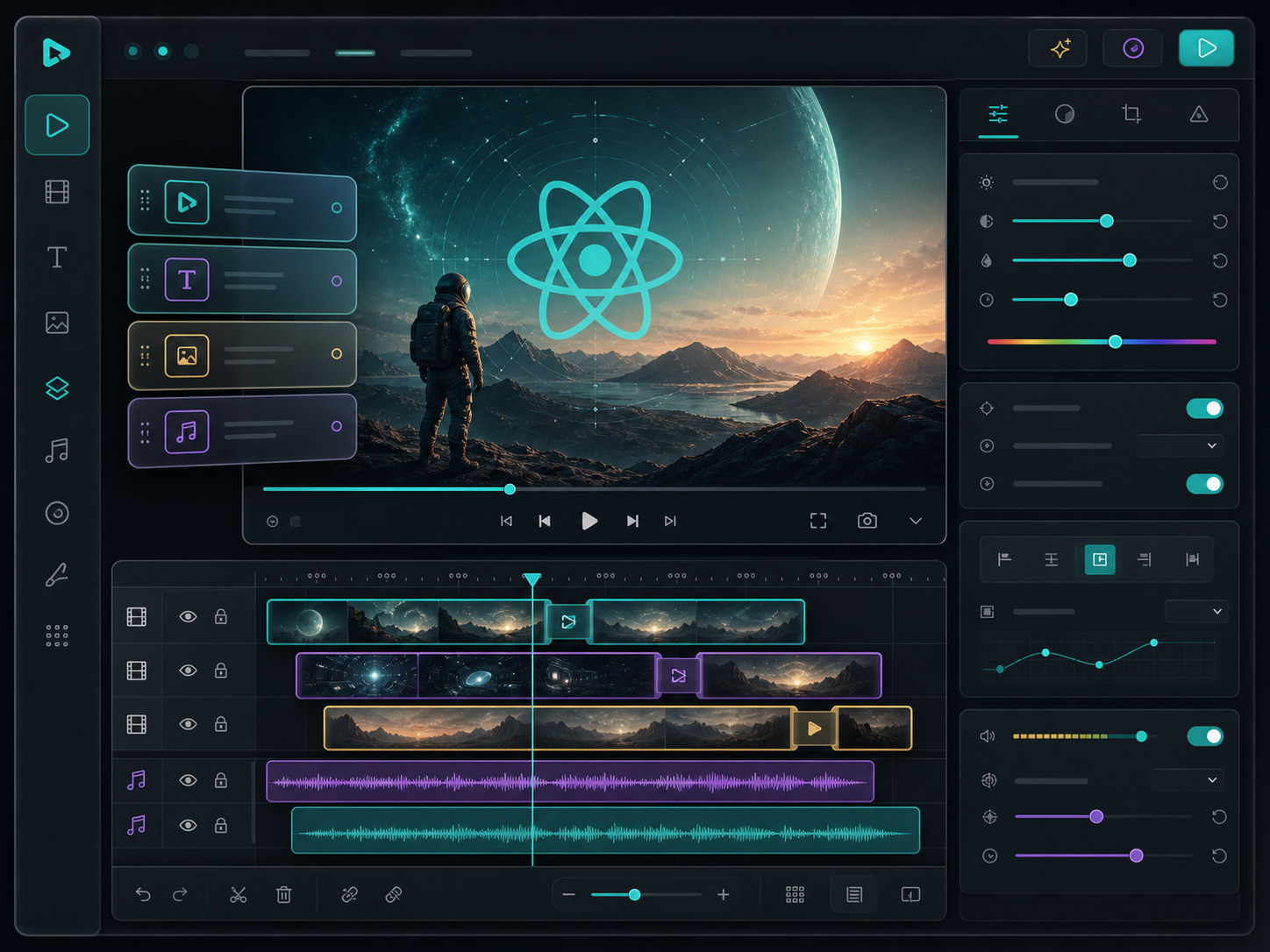
The React editor is useful when someone other than the developer needs to adjust the scene. It gives you a multi-track timeline, drag and trim controls, an inspector, upload callbacks, undo and redo, MP4 export, and theme options without asking you to throw away the core pipeline.
import { VideoEditor } from "@videoflow/react-video-editor";
import "@videoflow/react-video-editor/style.css";

export default function App() {
  return (
    <VideoEditor
      video={videoJSON}
      onChange={(next) => saveToServer(next)}
      onSave={async (next) => await persist(next)}
      onUpload={async (file) => await upload(file)}
      theme="dark"
    />
  );
}
Expected result: the editor changes clips, text, and layers while the rendering pipeline stays intact.
That surface is especially good when you want a product team, marketer, or operator to tune the template without touching the renderer implementation. It also fits the broader integration pattern described in How I Built a React Video Editor Around Portable JSON with VideoFlow. If you are thinking in terms of app UX instead of just rendering, that is the right companion piece.
4. Keep the templates diffable and reusable
The long-term win is not the editor itself. It is the fact that the underlying scene remains maintainable. VideoFlow gives you layer types, keyframes, groups, transition presets, and a JSON format that can live in Git. That makes it easier to review changes, generate variants, and keep the source inspectable.
You can also let AI help with structure instead of asking it to freestyle a finished timeline. In practice, that means asking a model to produce VideoJSON or scene fragments that the renderer understands, rather than trying to manipulate a manual timeline click by click.
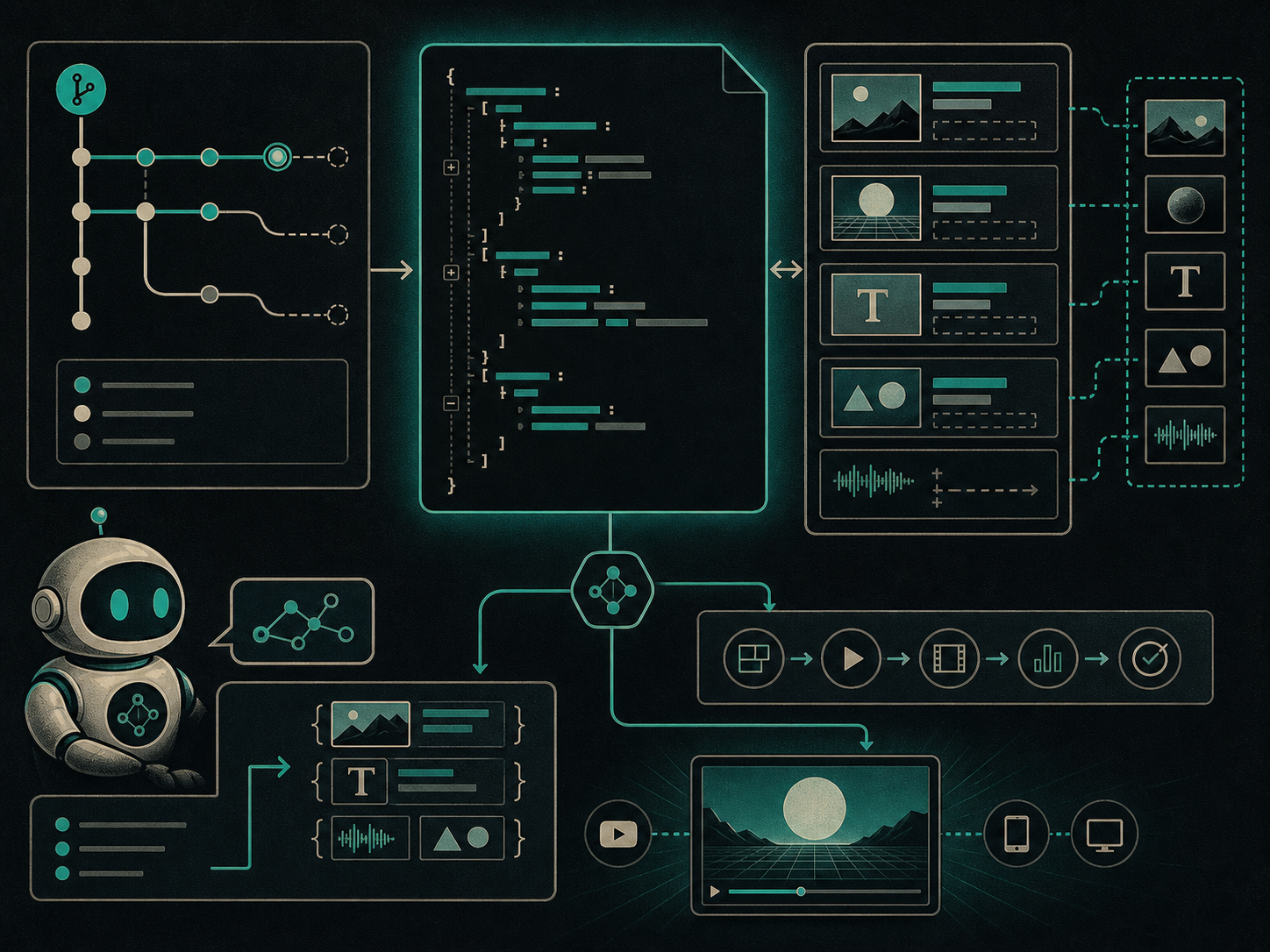
Expected result: your video templates behave more like code and less like one-off exports. That is also the reason How I Keep Video Templates Stable as Data Changes and How to Add Browser MP4 Export Without Forking Your Video Template fit naturally next to this article.
5. Use one decision rule for the whole stack
Here is the rule I use when I need to decide what to add next:
- If the user needs instant export, add the browser renderer.
- If ops needs throughput, add the server renderer.
- If someone needs to inspect or scrub the scene, add the DOM preview.
- If a human needs to edit the template, add the React editor.
- If a model is involved, ask it for structured VideoJSON instead of a frame-by-frame timeline.
Expected result: you keep one pipeline and extend it only where the workflow actually needs another surface.
VideoFlow’s other advantage is that it stays open source under Apache-2.0, so the core, renderers, and editor integration remain inspectable as the stack grows. That matters when you are building a product where video is part of the app, not just an external export step.
Next step
Start with one scene in @videoflow/core, compile it once, and render it in the browser first. After that works, add the editor surface, then decide whether you still need the server renderer for batch jobs. That sequence keeps the system stable while you add flexibility.
If you want to explore the product directly, go to VideoFlow, try the playground, and keep the docs open while you build.