
June 29, 2026
How to Create Five Shopify UGC Video Ads From One Brief
A step-by-step workflow for turning one Shopify product brief into five UGC-style video ads with Supra UGC Maker.
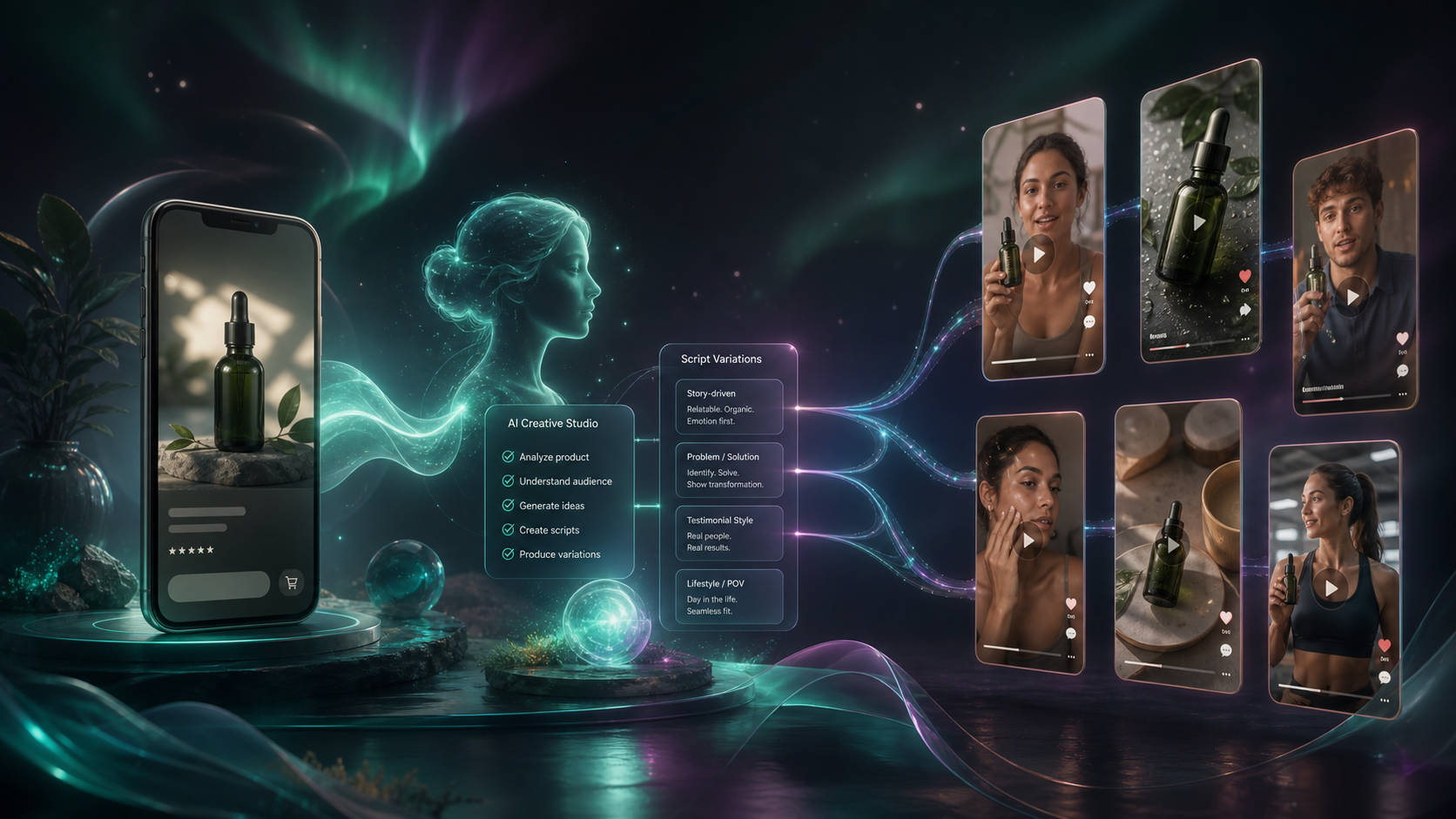
If you need more short-form creative, do not start by writing five separate scripts. Start with one product, one audience, and one conversion goal, then branch that brief into variations. That is the easiest way to get more UGC-style product videos without multiplying the amount of work.
Supra UGC Maker is built for that workflow inside Shopify. You can pick or create an avatar, choose a scene, add the product, write the script, set the tone, and generate reusable video variations without a camera crew or manual edit loop. If you want the product overview first, see the landing page or the Shopify App Store listing.
1. Write One Brief Before You Write Any Hooks
Your first job is not to make the video look polished. Your first job is to make the idea specific enough that the next five variations are actually comparable.
Use one sentence for each of these items:
- Product: what are you selling?
- Audience: who is the video for?
- Problem: what should the viewer already feel or want?
- CTA: what should the viewer do next?
A usable brief is usually this simple: “Show how this product solves a practical problem for a shopper who is ready to compare options, then move them to the product page.”
That single brief becomes the base for every variation. If you are also trying to map the campaign to a launch calendar, the broader planning pattern in How I Turn Product Launches Into Shopify Blog Posts With Automation is a useful companion read.
Expected result: you have a one-paragraph creative brief that can survive multiple hooks without drifting.
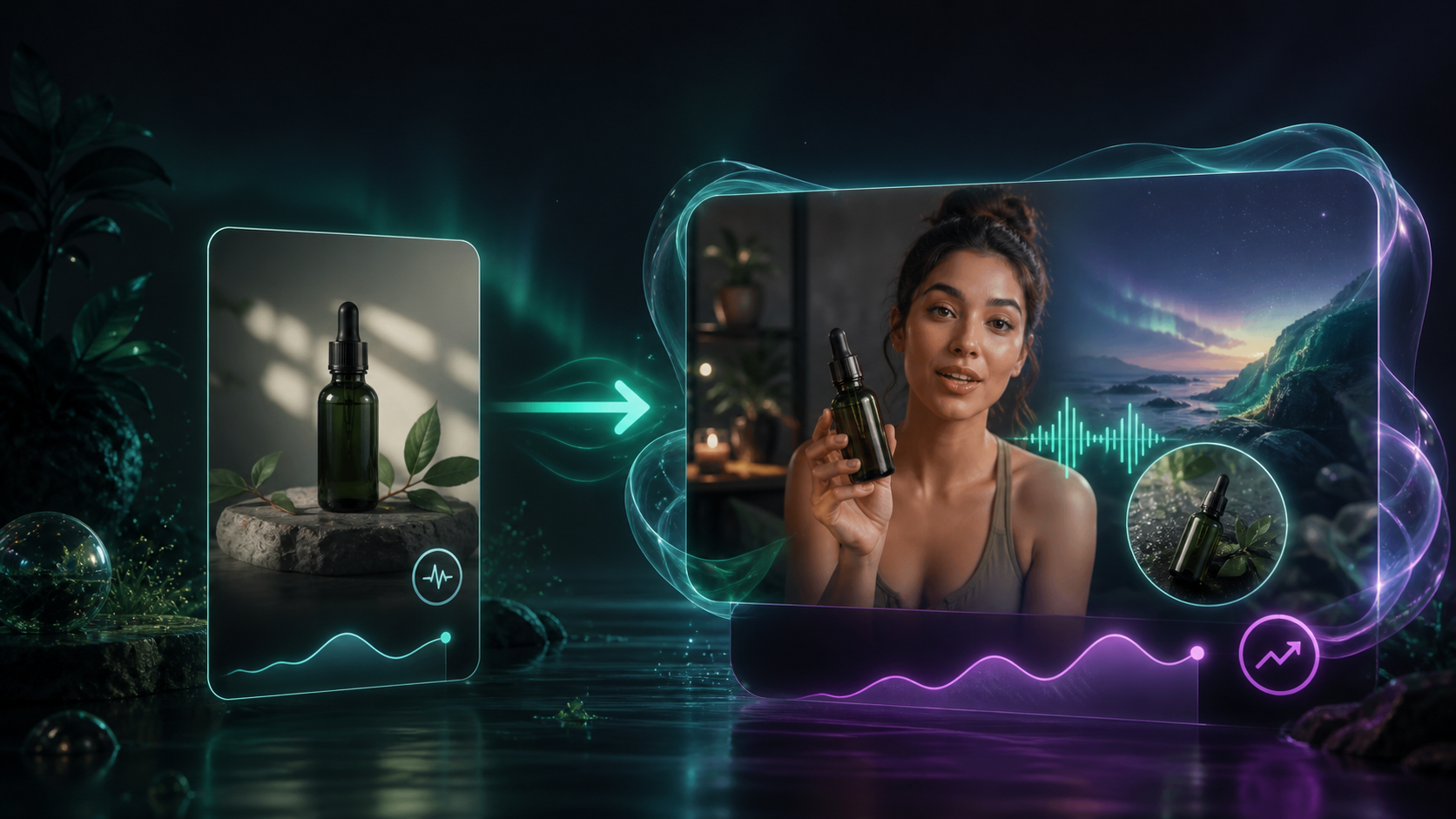
2. Pick the Avatar and Scene That Match the Product
In Supra UGC Maker, the avatar and environment do most of the trust-building work. Use presets when you want speed. Create a custom AI model when you want the same face or style to carry through several campaigns.
Then choose the scene around the product instead of treating the scene as decoration. A studio setup works when the product needs clarity. An outdoor or lifestyle setting works when the benefit is experiential. A boutique or branded room works when the product needs a stronger identity signal.
The point is not realism for its own sake. The point is consistency between the product promise and the visual context.
If you are still deciding what style to test first, How I Test Shopify UGC Video Angles Without Hiring Creators is the right framing read.
Expected result: the first draft already looks like it belongs to the brand instead of a generic ad template.
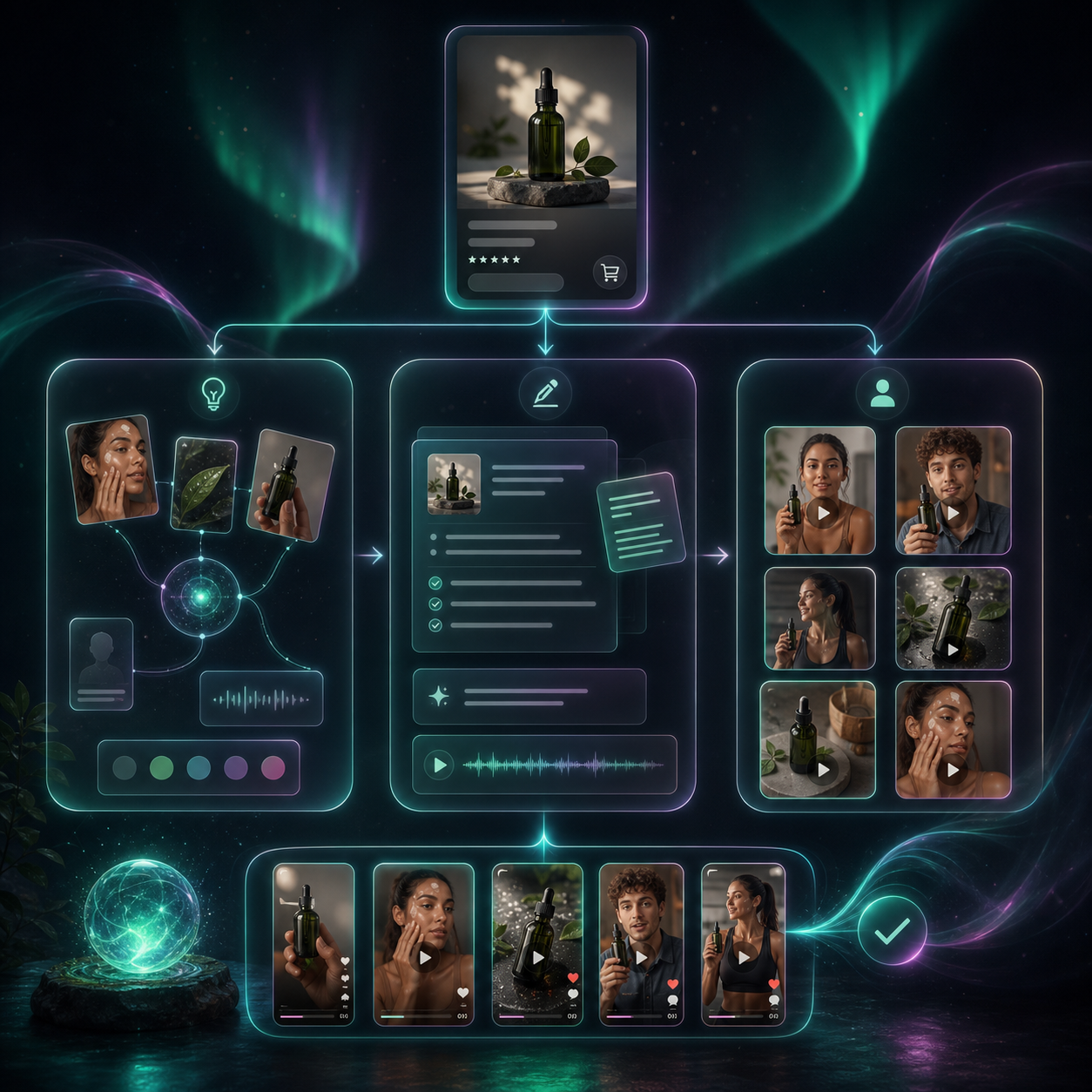
3. Draft One Base Script, Then Split It Into Five Hooks
Write one short base script first. Keep it tight: a hook, one or two lines of context, one proof point, and one CTA.
Then turn that script into five hooks instead of five entirely different videos. A useful split is:
- Problem-led: call out the pain point first.
- Outcome-led: open with the end state or result.
- Objection-led: answer the reason someone would hesitate.
- Testimonial-led: sound like a quick real-world reaction.
- Seasonal-led: tie the message to a sale, launch, or time-sensitive moment.
You are not trying to make each version sound clever. You are trying to isolate which opening line earns attention.
The visual below is a good reminder of the relationship between one source product and several output paths.
A second useful reference is How I Refresh Shopify UGC Videos Without Starting Over, especially if you already have a project that needs a new angle instead of a new build.
Expected result: one base script and five hook variations that share the same offer.
4. Generate the First Cut and Review the Preview Before You Scale It
Do not generate the whole batch before you inspect the first branch. Use the preview flow to check three things:
- Is the product visible enough to understand the offer?
- Does the voice or tone sound right for the audience?
- Does the pacing leave space for the CTA?
Supra UGC Maker lets you preview scenes before you generate videos, then reorder, trim, update, and regenerate clips inside the same project. That matters because the first iteration is usually where you notice whether the script is too long, the scene is too busy, or the product is not getting enough screen time.

Expected result: you approve the first cut before spending time on the remaining variants.
5. Build the Remaining Variations From the Same Project
Once the base version is approved, keep the project structure stable and change only one major variable at a time. For example:
- Keep the same avatar and swap the hook.
- Keep the same hook and swap the scene.
- Keep the same script and swap the tone.
That gives you a clean comparison instead of a bundle of unrelated changes.
A practical batch for Shopify usually looks like this:
- One explainer version for shoppers who need clarity.
- One testimonial-style version for social proof.
- One lifestyle version for product-page context.
- One objection-handling version for skeptical shoppers.
- One seasonal or promo version for a timed campaign.
Save the scenes and projects you like. Reuse is the point. The product is designed to make new ad variations without rebuilding every asset from scratch.
If you want a broader creative pipeline around the same idea, How I Create UGC-Style Shopify Product Videos Without a Production Team is a good companion article, and How I Turn One Shopify Product Photo Into Listings, Lifestyle Shots, and Clips shows how one source asset can feed more than one channel.
Expected result: you have a reusable project structure that can produce new ads without starting over.
6. Publish the Video Where It Changes Behavior
Use the final videos where a shopper needs motion, context, or a stronger claim than a static image can provide:
- Paid social ads
- Product pages
- Email campaigns
- Launch announcements
- Seasonal promotions
- Short-form social posts
A single project can support different placements, but the message should still match the job of the placement. A product-page video should reduce confusion. An ad should stop the scroll. An email clip should support the offer without dragging down the layout.
If you only need a small proof of concept, the free plan is enough to test the workflow: 3 video segments per month and 6 image generations per month. Move up only when you actually need more volume.
Conclusion
The simplest way to make UGC-style Shopify ads at scale is to stop treating each video as a fresh project. Start with one brief, choose a fitting avatar and scene, write one base script, and branch into five variations. That gives you enough creative range to test hooks without turning production into a bottleneck.
If you want to try the workflow, start with the Supra UGC Maker landing page or install it from the Shopify App Store, then build your first five-hook batch from a single product brief.