
September 5, 2026
How to Create Your First Shopify UGC Video Test
Set up a small, reviewable AI UGC video test for Shopify without committing to a full creator shoot.
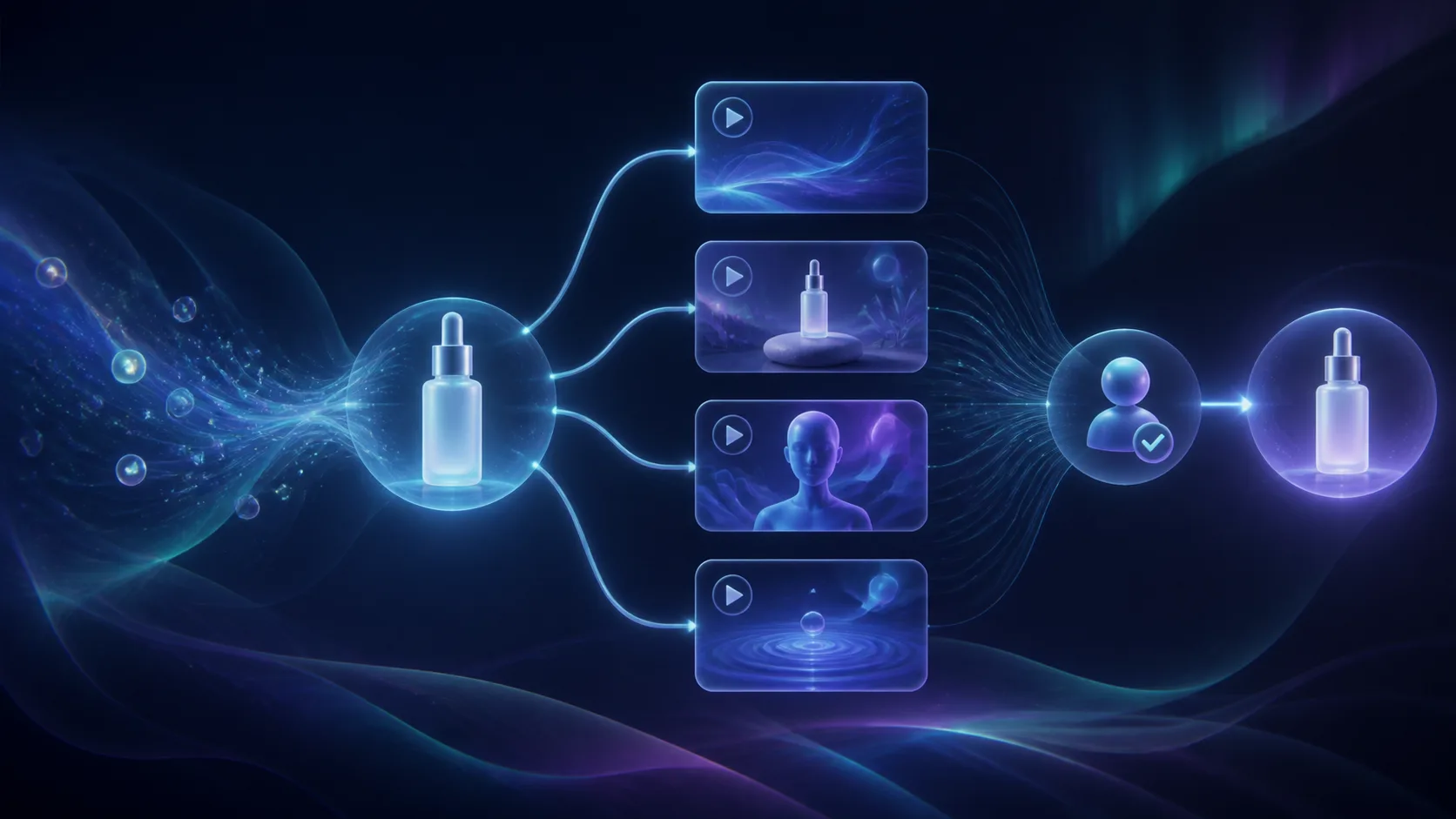
If you need more Shopify video ads but cannot justify a new creator shoot for every idea, start with a small test—not a full production calendar. In this guide, you will set up one product, four controlled creative variations, and a review gate so you can learn which direction deserves more budget. You need a Shopify product, a clear offer, and access to Supra UGC Maker (the free plan is enough for a first experiment).
1. Choose One Product and One Buying Objection
Do not begin with your whole catalog. Pick a product that already has a clear job to do and one question a shopper asks before buying. For example: “Will this organizer fit in a small drawer?” or “How does this serum fit into a morning routine?”
Write down one audience, one product benefit, and one action you want after the video. This constraint keeps the test useful. A broad “brand awareness” brief makes it hard to tell why one version worked.
Your expected result is a one-sentence brief: “For first-time buyers, show how Product X solves Y and invite them to view the product page.” If the product needs a clearer visual story first, use the product-page planning ideas in How to Add AI UGC Videos to Shopify Product Pages.
2. Build a Four-Row Creative Test Matrix
Keep the product, offer, and destination the same. Change only the opening angle. This gives you a fair first comparison without producing dozens of unrelated videos. Try four openings: a problem statement, a quick demonstration, a before-and-after contrast, and a time-bound offer.

For each row, write a short spoken script with three parts: hook, proof, and CTA. A home-goods version might be: “Drawer clutter again? This organizer creates a place for every tool. See the sizes on the product page.” Keep claims specific to what the product can actually do.
The expected result is four scripts that make the same promise from different entry points. For deeper hook discipline, see How to Test Shopify UGC Ad Hooks Before You Commit to a Shoot.
3. Set Up a Reusable Scene in Supra UGC Maker
Open Supra UGC Maker on Shopify, then choose a preset avatar or create a custom AI model. Select a scene that supports the product rather than competing with it: a clean studio for detail, a home setting for daily use, or a boutique-style environment for fashion and beauty. Add the Shopify product reference when it helps keep the product visible.
Next, enter one script, choose a voice and tone, and preview the scene before generating. Supra UGC Maker lets you save projects and scenes, so establish the avatar, scene, and product setup once. Then duplicate the project for each hook instead of rebuilding every element.

Your expected result is one repeatable production setup with only the script—or one intentional variable—changing per version. This is the practical advantage of AI UGC-style creative: it is built for testing variations quickly, while real creators can remain the better choice when you need a personal testimonial or community trust.
4. Generate the First Set and Review Them Side by Side
Generate the four segments, then watch them in the same order as your matrix. Check the first two seconds first: is the product apparent, is the spoken hook understandable, and does the scene support the promise? Then confirm the product reference, voice, and CTA match the intended version.

Do not publish every output simply because it rendered. Mark each version as keep, revise, or stop. A revision should have one reason, such as a weak opening, an unclear product view, or a CTA that arrives too late. If you need a more formal approval handoff before media reaches a product page, borrow the review approach from How to Turn a Product Catalog Into Reviewable Video Drafts.
Your expected result is one or two approved variants and a short note explaining why they earned approval.
5. Put the Winner Where It Can Teach You Something
Use the approved version in one deliberate placement: a paid social test, a product-page media slot, or an email teaser. Keep the landing page and offer stable long enough to compare the creative. Track the result that fits the placement: qualified clicks for ads, product-page engagement for PDP video, or clicks for email.
Avoid treating a single result as a universal verdict. The first test should tell you which hook or demonstration direction to expand, not prove that one avatar or scene is permanently best. When you are ready to scale, reuse the winning scene and project to make new ad variations without starting from zero.
Troubleshooting: When the Test Is Not Giving You an Answer
If every version feels different, your test changed too many variables. Return to one product, one audience, one CTA, and one scene. If the video looks polished but feels irrelevant, tighten the opening around the shopper’s real objection. If a variation needs human proof, use the AI-generated version to test the angle first, then reserve a creator shoot for the direction that earns it.
Next Action
A useful first Shopify UGC test is intentionally small: one product, four openings, one reusable scene, and a human review before placement. Start a Supra UGC Maker project, generate the four controlled variants, and use the clearest winner to decide what you test next.