
September 12, 2026
How to Create Localized Product Videos From One Template
A practical workflow for turning one product-video template into localized drafts with the right copy, captions, prices, and review checks.
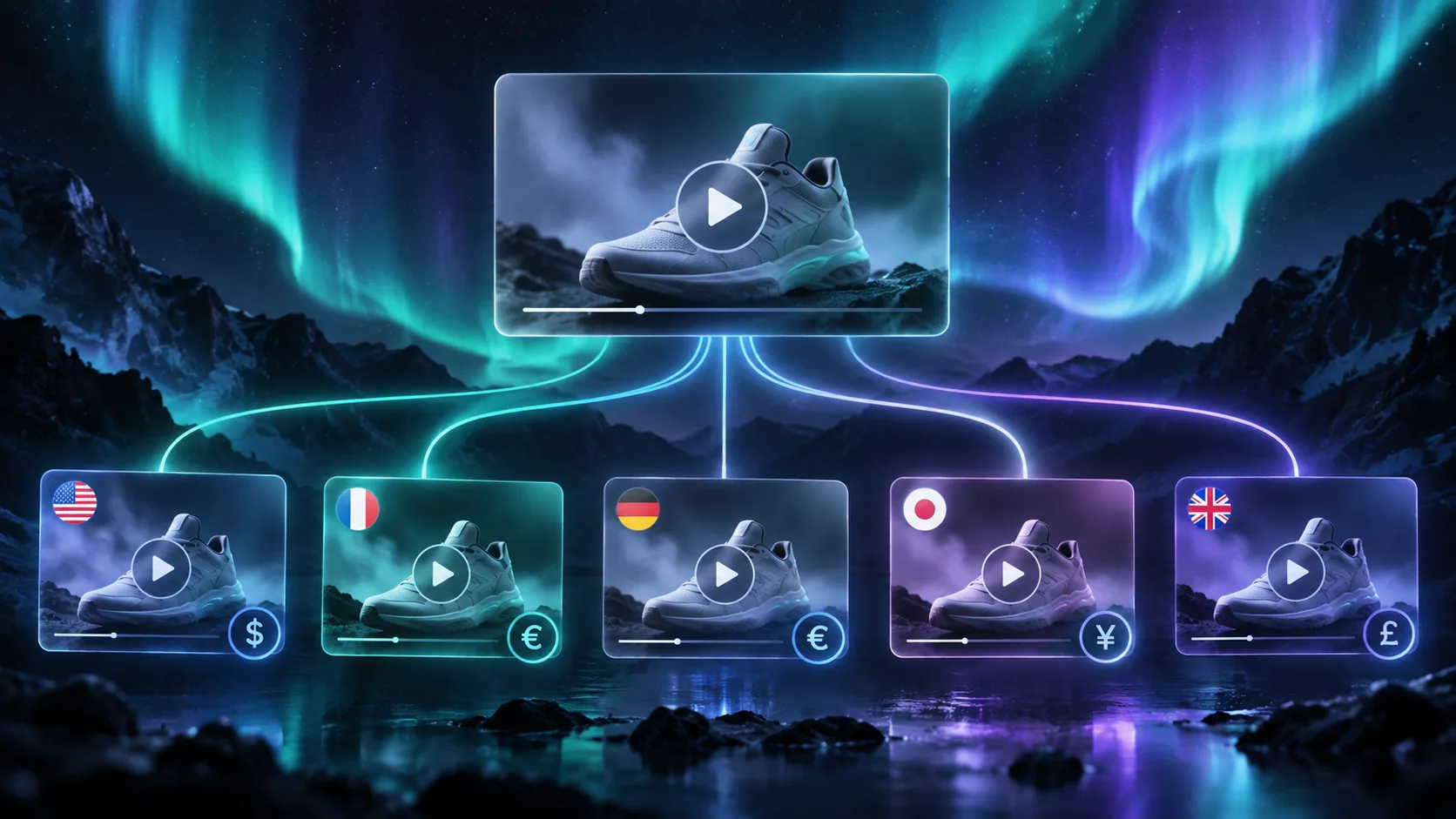
A product video template becomes far more useful when it can travel with the product. The same structure can support a different language, currency format, call to action, caption length, or regional offer without forcing a team to rebuild the timeline for every market.
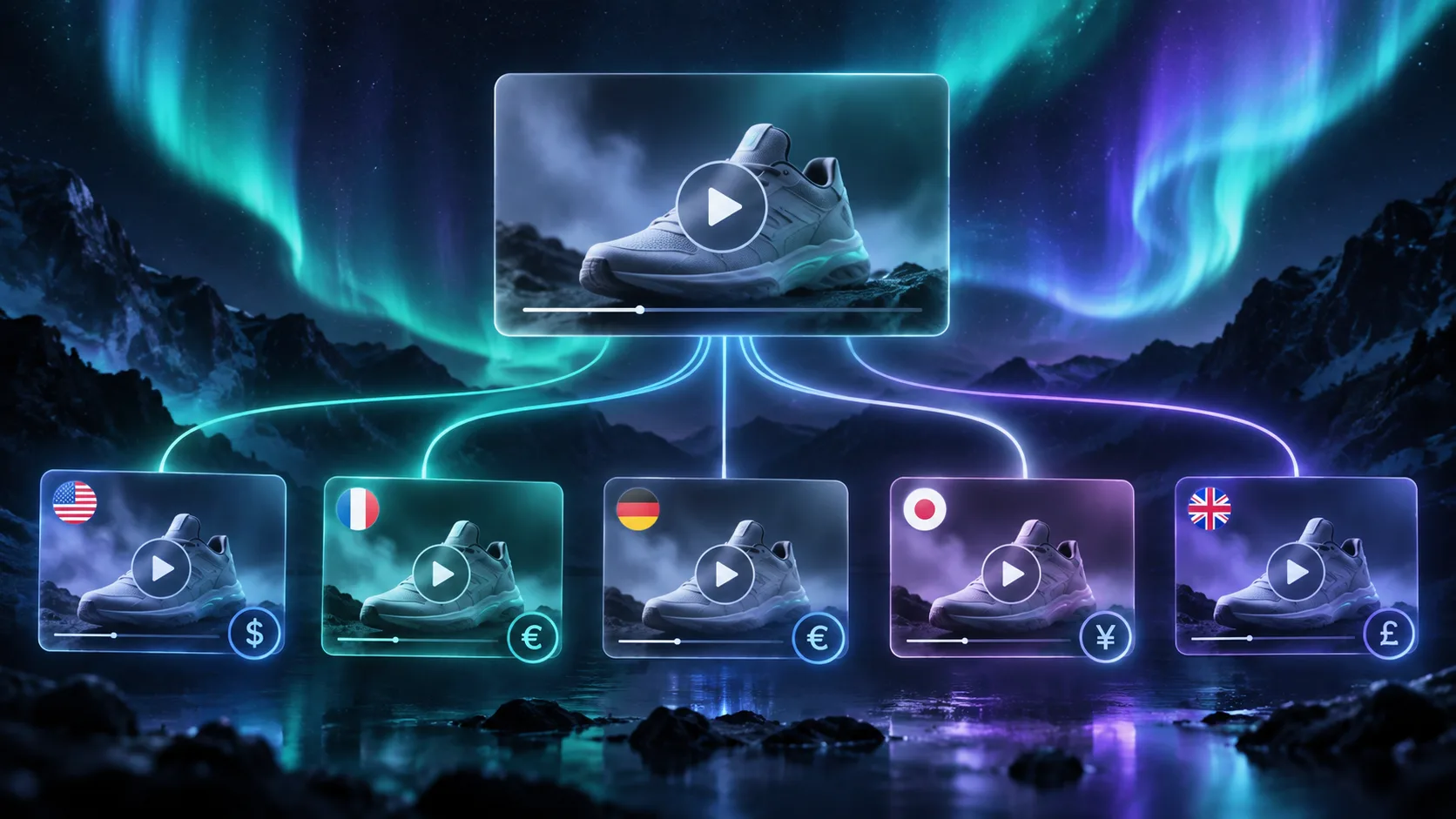
The trick is to localize the inputs, not to duplicate the project. This guide shows how to build one product-video template, supply it with structured locale data, preview the variants, and render only the versions that pass review. VideoFlow is a useful fit because its VideoJSON format can carry the same video definition across a browser preview, an embedded editor, and a server or browser renderer.
Before you start
Choose one short video type for the first version. A product feature clip, a launch teaser, or a 15-second social ad is easier to localize than a long explainer.
Prepare a small locale record for each market. It should include the values that can change without changing the core creative direction:
- Product name and approved translated copy.
- Captions or subtitle text.
- Price and currency formatting.
- Call to action and destination URL.
- Voiceover text, if the video uses one.
- Region-specific legal or availability notes.
Keep the template itself stable at first. The goal is not to make every market look identical at all costs. It is to create a repeatable base where the localized differences are visible and reviewable.
1. Build the visual template around replaceable fields
Start with the visual rules that should stay the same: aspect ratio, brand colors, typography, safe areas, transitions, scene order, and product-media slots. Then mark the parts that may vary by locale.
A useful first template might have these fields: headline, product image, two feature bullets, price line, CTA, caption track, and voiceover source. Avoid making every layer dynamic. If a field never changes, leave it in the template. More configurable does not always mean more reusable.

With VideoFlow, you can author the video in a TypeScript builder, then compile the project to VideoJSON. That lets the application store a video as structured data rather than only as an exported file. A locale record can fill the allowed template fields while the rest of the project stays fixed.
What you should see: one template with a short list of clearly named inputs, not a separate timeline for every language.
2. Validate copy before it reaches the preview
Localized video problems are often predictable. A translated headline may be too long. A price may use the wrong separator. A CTA may point to the default market. A caption may overlap a product image because it expanded from four words to twelve.
Validate these issues before rendering:
- Required fields are present for the locale.
- Copy fits the character budget for each scene.
- Currency and price data are supplied by an approved source.
- Destination URLs match the intended storefront or market.
- Product availability notes are accurate.
- Captions and voiceover use the same approved message.
A clear validation message saves time. “French headline exceeds 42 characters” is actionable. “Localized video failed” is not.
3. Generate a preview for each market
Render a live draft before creating final MP4 files. VideoFlow’s DOM renderer can show the same VideoJSON as a scrubbable browser preview, which means a reviewer can see the localized result without waiting for a heavier render job.
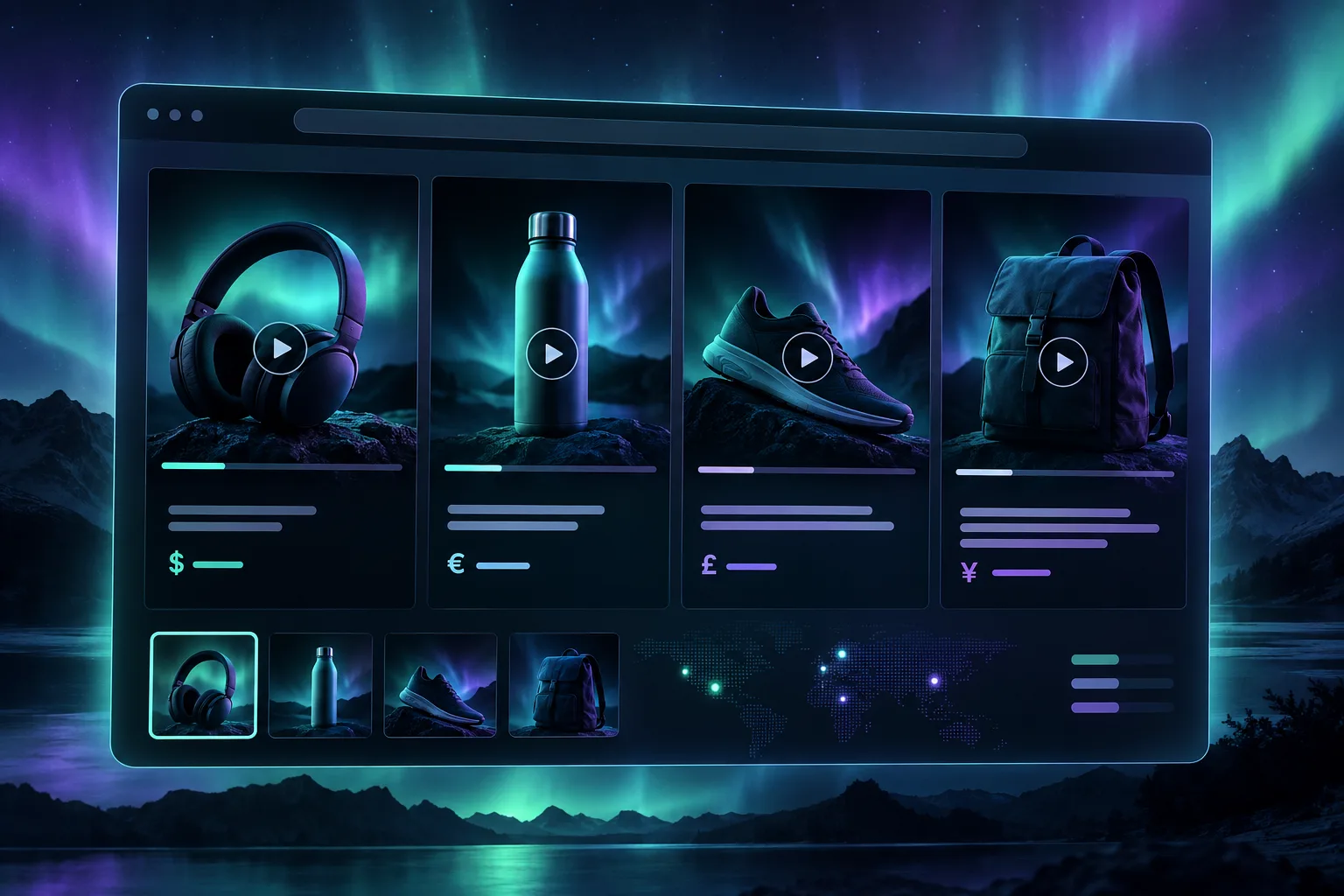
Review the variants side by side when possible. The reviewer should check more than grammar: does the longer caption hide an important product detail? Does the voice keep a natural pace? Does the currency format look familiar to the audience? Does the CTA still make sense in the local storefront?
Do not assume a direct translation is ready for video. A phrase that reads well in a product description may be too dense when spoken over a six-second scene. Give the reviewer permission to shorten copy while preserving the product claim.
What you should see: every locale has a preview with its product, copy, captions, price, and destination visible together.
4. Save approved variants as separate snapshots
Once a localized draft is approved, save a snapshot that includes the VideoJSON, the locale code, the template version, the product data, and the asset references. The snapshot is the exact version that should be rendered and later traced.
This matters when a campaign changes. If the English version needs a new CTA, you should create a revised English draft rather than accidentally changing the already approved Spanish, French, or German versions. Treat each approved locale as a sibling with shared ancestry, not as a copy that can drift silently.
For teams that need more control, the React video editor can be embedded to let a reviewer adjust a scene, caption timing, or media selection inside the product. Keep that editor as an exception path. Most localization work should remain at the level of structured inputs and review.
5. Render through the right delivery path
For a handful of short clips, browser rendering can be a sensible export route. For launch campaigns, catalog batches, or scheduled regional content, send the approved snapshots to a server-side queue. VideoFlow supports browser and server renderers so the same VideoJSON can move from preview to production without a separate rebuild.

Name the final files with product, locale, template version, and revision. A predictable name like travel-mug-fr-FR-feature-v2.mp4 is much more useful than a generic export name when the files land in an ad account, a CMS, or a campaign folder.
Troubleshooting
The copy fits on desktop but not in the final video. Check the actual scene dimensions and safe areas in the preview. Reduce copy or use a locale-specific scene variant.
A price looks right but points to the wrong market. Keep price and destination URL in the same locale record, then validate them together.
One locale needs a different visual. Add an approved optional media slot or create a small template variant. Do not force an unsuitable image into a layout only because the main template is shared.
Final recap
Localized video becomes manageable when you separate the stable creative system from the market-specific inputs. Keep one strong template, validate the locale data, preview the actual result, freeze approved snapshots, and render those snapshots through the delivery path that fits the campaign. With VideoFlow, the portable VideoJSON layer keeps the process connected from draft to final file.