
November 26, 2026
How to Turn Release Notes Into a Reviewable Product-Update Video
Turn a product release note into a concise, reviewable update video with a clear message, evidence pack, and revision-ready workflow.
How to Turn Release Notes Into a Reviewable Product-Update Video
A release note can become a useful product-update video when you reduce it to one customer-visible change, one proof point, and one next action. You do not need to animate every item in the changelog; you need a short, reviewable first cut that stays accurate when the product changes.
This workflow assumes you have a published release note, current product screenshots or a live product page, and someone who can approve product claims. VideoFlow Studio is a good fit when you want an agent to turn a URL into editable motion graphics, then revise the same project after feedback.
1. Choose one update that changes a customer job
Start with the release-note item that changes what a customer can do, understand, or decide. “Improved performance” is usually too broad. “Export now preserves the selected date range” gives the viewer a concrete before-and-after.
Write one sentence in this format: For [audience], [change] makes it possible to [job] without [previous friction].
For example: “For account owners, scheduled exports make it possible to share the weekly report without rebuilding the date range each Monday.” That sentence is your message spine. If a feature cannot be explained that simply, make a product walkthrough or help article first; a short announcement video is not the place to discover the story.

2. Build a small evidence pack before opening the video tool
Collect only the material needed to support the message. A three-card pack prevents the common failure mode where the film restates marketing copy but cannot show what changed.
| Card | Put on it | Expected result |
|---|---|---|
| Customer problem | The old friction in plain language | The opening scene has a reason to exist |
| Product change | The exact feature, setting, or visible behavior | The middle scene is specific and defensible |
| Proof and action | A current screen, URL, or release-note detail plus the next step | The closing scene tells viewers what to do |
Check every claim against the shipped product before you proceed. If a screenshot is from a development build, label it as illustrative or replace it. The same source-of-truth discipline used for a startup launch-video sheet works here: names, numbers, availability, and calls to action need one owner.
3. Turn the pack into a three-scene plan
Keep a product-update video short enough that a reviewer can judge it in one pass. A dependable plan is:
- Problem (0–5 seconds): show the moment that was slow, uncertain, or repetitive.
- Change (5–18 seconds): show one feature in action and connect it to the promised job.
- Action (18–25 seconds): show where to try it, who can use it, and what to do next.
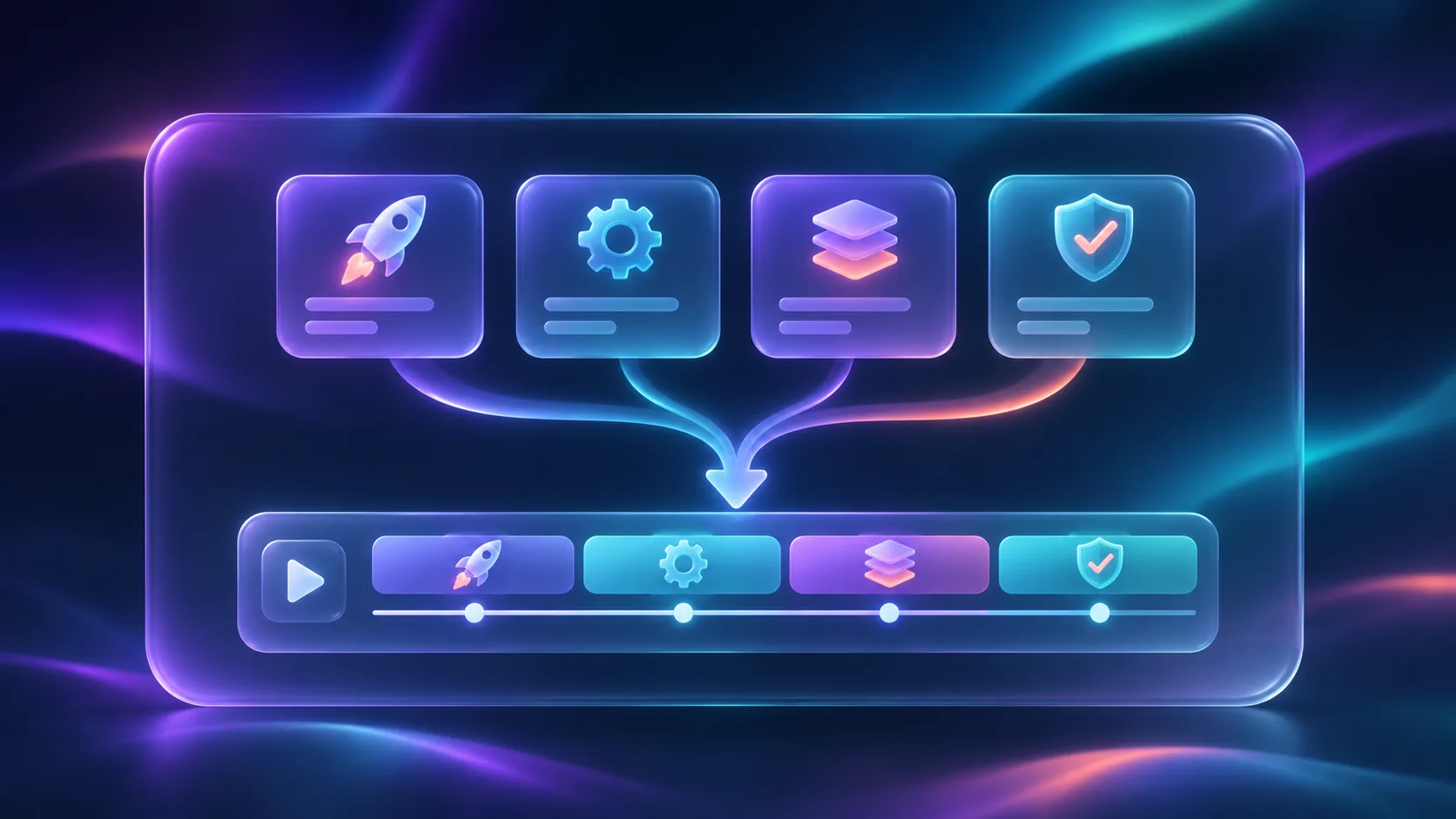
Do not turn every release-note bullet into a scene. If there are three related changes, choose the one that carries the customer outcome and link the rest in the post, email, or changelog. For a longer launch, use a four-card first-cut brief rather than adding unplanned scenes.
4. Generate a first cut from the current product context
Give VideoFlow Studio the current product URL and the three-scene brief. Studio can be run from your terminal with npx @videoflow/studio@latest or used in the browser; its official workflow describes a site-to-film process that reads the product context, plans the narrative, builds scenes, renders, and reviews the encoded output.
Be explicit about what must not change: approved wording, product names, the CTA destination, and whether the feature is fully available or rolling out. Ask for one concept, not a feature inventory. The expected result is an editable first cut with a visible opening problem, a single proof scene, and an end card that matches the evidence pack.
5. Review the rendered frames, not only the script
A polished script can still produce an unusable product-update video if type is too small, a screen crop hides the proof, or the CTA disappears too quickly. Review the actual render at the size and channel where it will ship.
Use this short review checklist:
- Can a viewer say what changed after the first five seconds?
- Does the feature scene show evidence instead of a generic dashboard?
- Are product names, UI labels, and availability claims current?
- Does the end card give one actionable next step?
- Is the CTA readable with sound off and on a small screen?
VideoFlow Studio says its agent reviews rendered frames for visual problems such as alignment and contrast before delivery. Keep a human product owner in the approval loop anyway: visual QA can catch presentation defects, but it cannot decide whether an unreleased capability belongs in a public announcement. A pre-render input pack makes that approval much faster.
6. Request changes against the same editable project
When a reviewer asks for a change, describe the outcome and the affected scene: “Hold the end card one second longer and replace the old navigation label in scene two.” Avoid vague requests such as “make it more exciting” unless you also say which moment should change.
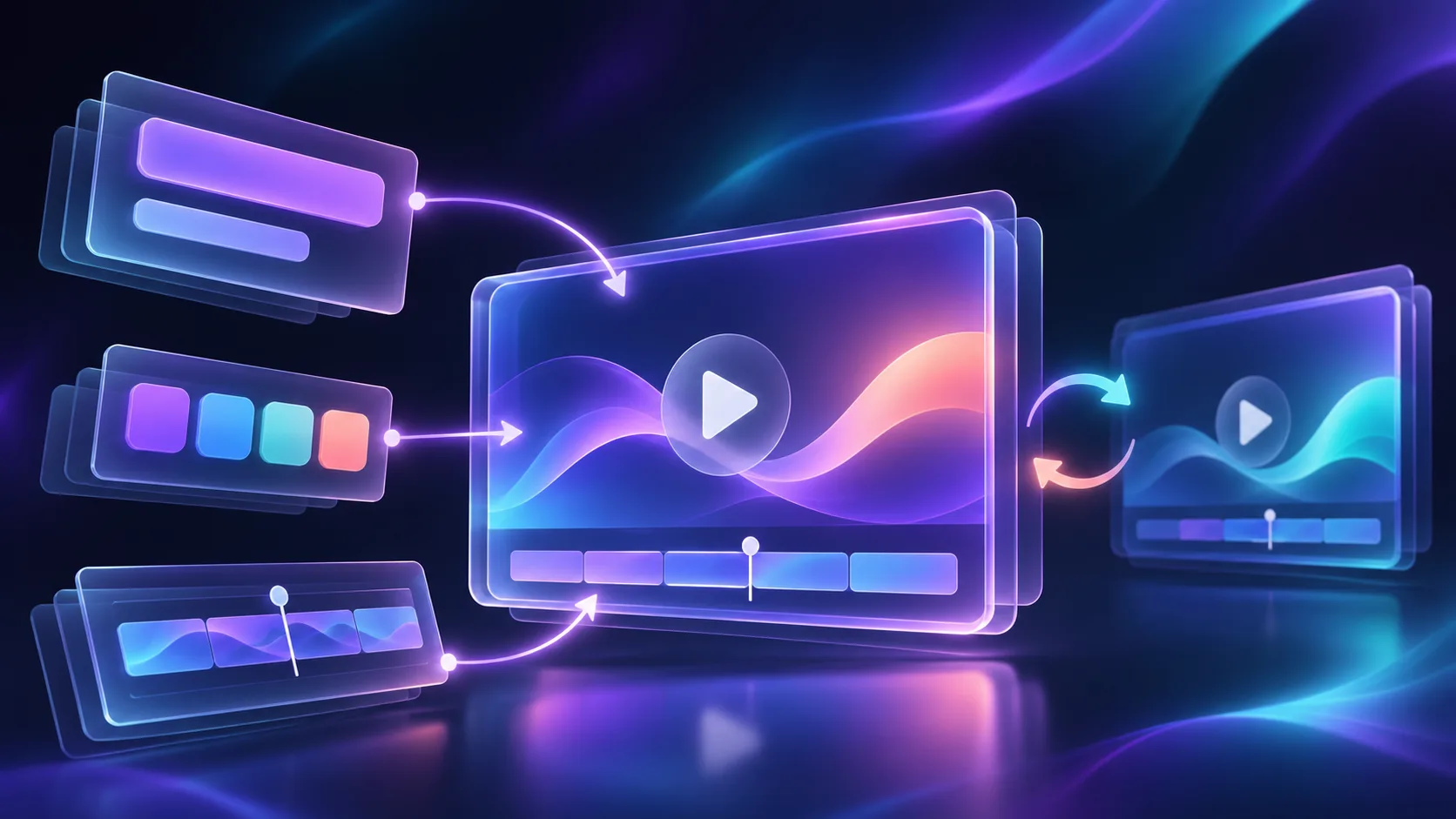
The benefit of an editable project is that a correction does not force a fresh brief. Studio’s product page describes both natural-language revisions and manual changes in its built-in editor, with the same project remaining available for another render. That matters for release updates, where a renamed setting or delayed rollout can arrive after the first cut. For handoff, keep the brief, approved source links, and final project together; this guide to keeping a launch video editable after export covers the same continuity problem.
7. Publish beside the release note and measure the right signal
Place the video where it supports the release note: the product-update page, an announcement email, or the relevant social post. Use the same feature name and CTA everywhere so viewers can find the documented details.
Measure completion rate and CTA clicks, but also check the qualitative signal: do support questions show that viewers understood who the update is for and what changed? If they do not, improve the opening or proof scene before making the next update video.
Make the next release note easier to watch
A good product-update video is not a decorated changelog. It is a compact argument: a real customer problem, a demonstrable change, and a clear next action. Start with the three-card evidence pack, make one reviewable first cut in VideoFlow Studio, and keep the project editable until the release is truly stable.