
May 26, 2026
How to Build a Browser-Based MP4 Exporter Without a Rendering Server
Build a browser-based MP4 export path with VideoFlow using portable JSON, live preview, and optional React editing.

How to Build a Browser-Based MP4 Exporter Without a Rendering Server
You want users to make a video, preview it, and download an MP4 without shipping the project to a backend render job. That is the use case VideoFlow is built for: describe the video as portable JSON, render it in the browser when that is the right tradeoff, and keep the same source of truth available for server rendering or live preview later.
The toolkit lives at VideoFlow. The docs are at videoflow.dev/docs, the renderer guide is at videoflow.dev/renderers, the playground is at videoflow.dev/playground, and the examples page is at videoflow.dev/examples. VideoFlow is open source under Apache-2.0, which matters if you want a render stack you can keep in Git and reason about in your own app.
If you have already read How to Generate MP4 Videos from JSON with TypeScript, How to Build a Portable JSON-to-Video Workflow with VideoFlow, How to Build a Video JSON Pipeline That Renders Everywhere With VideoFlow, or How I Kept Video Templates Versionable in Git With VideoFlow, this article is the browser-export version of the same idea.

Step 1: Decide What Browser Export Should Handle
Browser export is the right fit when the user is already in your app and the job is small enough to run locally. Typical cases include:
- a short promo clip from a template;
- a personalized video from product or CRM data;
- a preview export before saving a final version;
- an internal tool where sending media to a server adds cost or friction.
That is the important decision. If the project is simple and interactive, keeping export in the browser avoids an extra upload, an extra queue, and an extra render service to maintain. If the job is long, heavy, or needs strict orchestration, the server renderer is still there.
Step 2: Install the Core Package and Keep the Project JSON-First
Start with the core package, then add the browser renderer when you are ready to export locally.
npm install @videoflow/core @videoflow/renderer-browser
The cleanest pattern is to treat the video as a portable project first and an MP4 second. In practice that means you author the scene with the core API, compile it to VideoJSON, and let the browser renderer turn that structure into a Blob.
import VideoFlow from "@videoflow/core";

const $ = new VideoFlow({
  name: "My Video",
  width: 1920,
  height: 1080,
  fps: 30,
});

$.addText(
  { text: "Hello, VideoFlow!", fontSize: 7, fontWeight: 800 },
  { transitionIn: { transition: "overshootPop", duration: "500ms" } }
);

const json = await $.compile();
const blob = await $.renderVideo();
That example is small on purpose. The point is not the text layer. The point is that the project compiles into something portable, versionable, and renderable in more than one place.
Step 3: Keep One Source of Truth for Preview and Export

The reason VideoFlow is useful here is that the same JSON can drive browser export, server rendering, and live preview. That gives you three practical benefits.
First, your editor and exporter stop drifting apart. If the preview looks right, the export path is much less likely to surprise you.
Second, you can move from browser export to server export without rewriting the project format. That is the same portability argument behind How to Build a Portable JSON-to-Video Workflow with VideoFlow and How to Build a Video JSON Pipeline That Renders Everywhere With VideoFlow.
Third, you can keep the project in Git and review it like code instead of hiding the whole thing inside a timeline file. That is the same reason How I Kept Video Templates Versionable in Git With VideoFlow matters if you are building a reusable template system.
Step 4: Add a React Editor When Users Need Control
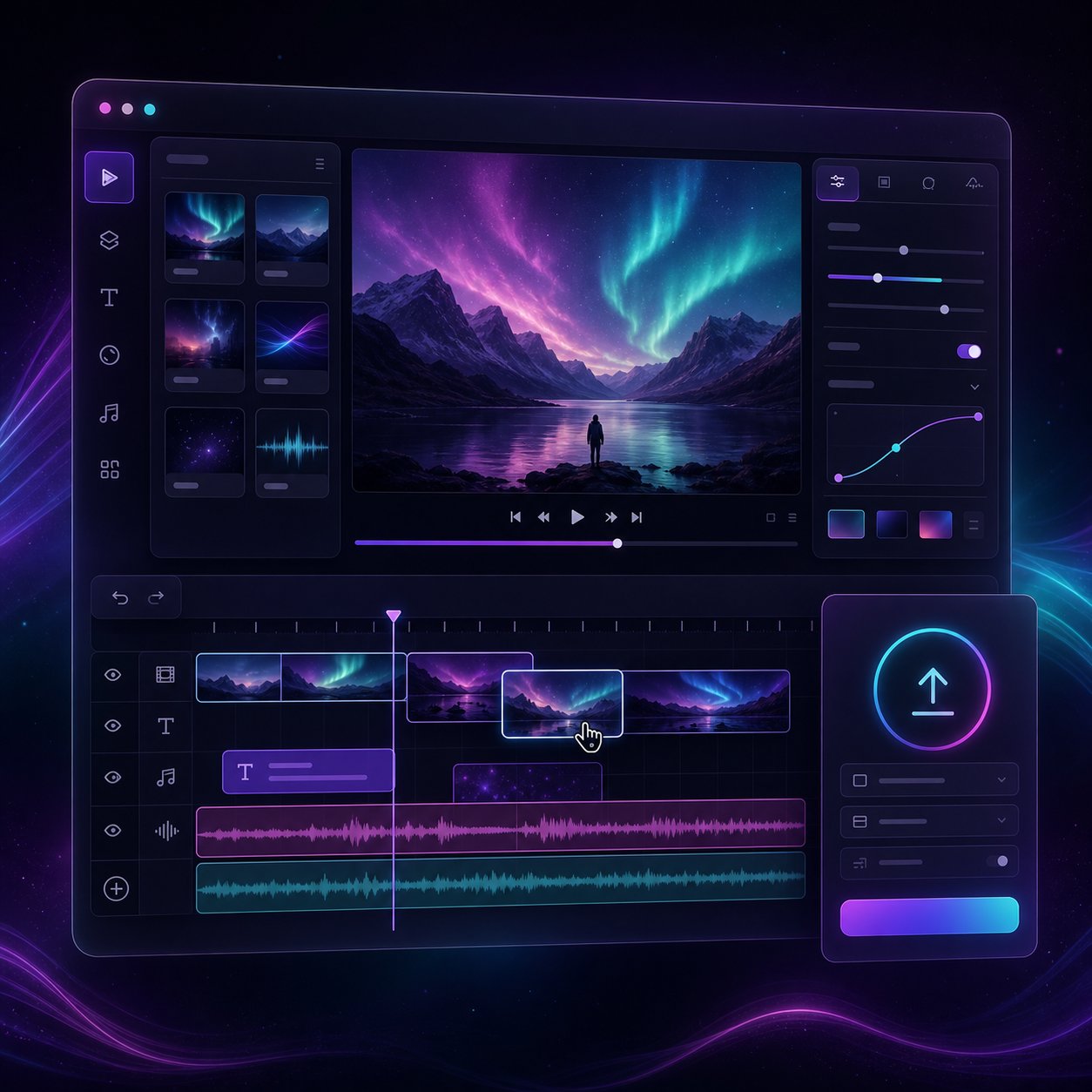
If the workflow needs user edits, VideoFlow also has a React video editor component. That is what I would add when the browser export is only part of the product and users also need to trim, reorder, or tweak the video before they download it.
The documented component looks like this:
import { VideoEditor } from "@videoflow/react-video-editor";
import "@videoflow/react-video-editor/style.css";

export default function App() {
  return (
    <VideoEditor
      video={videoJSON}
      onChange={(next) => saveToServer(next)}
      onSave={async (next) => await persist(next)}
      onUpload={async (file) => await upload(file)}
      theme="dark"
    />
  );
}
The editor gives you a multi-track timeline, drag and trim controls, snapping, reorderable layers, an inspector, keyframes, undo and redo, file uploads, and MP4 export. It is also themeable, with light, grey, dark, and night presets.
That combination is useful when you want browser export to stay connected to a visual editing experience instead of becoming a hidden utility function.
Step 5: Use Browser Export for the Fast Path, Server Render for the Heavy Path

A good VideoFlow setup does not force every video through the same path. I would use browser rendering when the render is short, interactive, and local to the user. I would use the server renderer when I need APIs, queues, scheduled jobs, or bigger batch jobs. I would use the DOM renderer when I need a live preview that behaves like a real player.
That is the real architecture win. You are not building one renderer and hoping it fits every use case. You are building one portable video description and choosing the right place to execute it.
Common Pitfalls
A few issues show up again and again in browser-first export workflows:
- too many large media assets loaded at once;
- assuming every browser device has the same memory budget;
- exporting long renders in the foreground without a cancel path;
- mixing preview-only state with the canonical project data;
- treating browser export as a replacement for every server job.
The fix is usually to keep the project small, make the export path explicit, and keep the same JSON available for both preview and render.
Bottom Line
If you want a browser-based MP4 exporter, start by making the video data portable. Once the scene is JSON-first, the export path becomes a deployment choice instead of a rewrite.
VideoFlow is a good fit when you need that flexibility: open-source core, browser export, server rendering, live preview, and a React editor when users need to adjust the timeline themselves. If you want to try the workflow, start with the docs, open the playground, and build one template before you scale to more complicated editor or render jobs.