
July 13, 2026
How to Build a Git-Friendly Video Template System With VideoFlow
Keep VideoFlow templates in Git, compile to portable VideoJSON, and render the same project in browser, Node, or React.

How to Build a Git-Friendly Video Template System With VideoFlow
If your team keeps changing video templates in one place and renderer code in another, the project will drift fast. This guide shows how to keep one template in Git, compile it to portable VideoJSON with VideoFlow, and then render the same artifact in the browser, on the server, or inside a React editor.
You only need a TypeScript project, Node.js 18 or newer, and one repo where template code can live next to assets. If you want the broader product reference, start with the VideoFlow docs, then branch out to the core docs, renderers docs, and React video editor page.
1. Set Up A Repository Layout That Separates Source, Assets, And Renders
Start by creating a structure that makes it obvious what is source of truth and what is just output:
video/
  assets/
  templates/
  renders/
Then install the packages you actually need:
npm install @videoflow/core @videoflow/renderer-browser @videoflow/renderer-server @videoflow/renderer-dom @videoflow/react-video-editor
If you do not need the editor yet, leave @videoflow/react-video-editor out for now. The important part is that the template code sits in Git as code, while renders remain disposable artifacts.
Expected result: git diff should show changes in your template files, not in a random renderer scratchpad.
If you want the JSON-first version of this workflow, it pairs well with How to Build a JSON-First Video Workflow With VideoFlow.
2. Author One Reusable Template And Compile It To VideoJSON
VideoFlow’s core value is that you describe the video once and then reuse that definition in multiple places. A minimal starting point looks like this:
import VideoFlow from "@videoflow/core";

const $ = new VideoFlow({
  name: "Launch Clip",
  width: 1920,
  height: 1080,
  fps: 30,
});

$.addText({
  text: "Portable template",
  fontSize: 7,
  fontWeight: 800,
});

$.addText({
  text: "One source of truth for every renderer",
  fontSize: 4.5,
  opacity: 0.85,
});

const videoJSON = await $.compile();
From there, you can add the richer VideoFlow primitives the product is built around: wait, parallel, grouping, transitions, captions, shapes, and effects. The point is not to cram everything into one scene. The point is to keep one durable template that compiles into a portable artifact.
Expected result: videoJSON becomes the thing you version, review, and pass to renderers instead of a one-off timeline.
The portability model is the same one discussed in How to Render One Video JSON in Browser, Node, and React.

3. Pick The Renderer When You Publish, Not When You Write
VideoFlow is useful because the same VideoJSON can be executed in different environments without rewriting the template.
- Use
@videoflow/renderer-browserwhen you want users to export inside the browser and avoid a server round trip. - Use
@videoflow/renderer-serverwhen you need API jobs, queues, scheduled batches, or CI-driven exports. - Use
@videoflow/renderer-domwhen you need a live preview in a dashboard, editor, or internal tool.
That split keeps the template stable while you change the execution model. If a product manager wants a preview, you do not fork the scene. If operations wants batch rendering, you do not rewrite the timeline. You just point the same JSON at a different renderer.
Expected result: one template, three execution paths, no duplicate motion logic.
This is the same split I used in How I Pick the Right VideoFlow Renderer for the Job and How to Build a VideoFlow Project That Keeps Templates and Renderers Separate.
4. Add The React Editor Only When Someone Needs To Change The Template
If non-developers need to tweak copy, media, trims, or keyframes, add the React editor on top of the same JSON source. Keep the editor optional so your renderer pipeline stays independent.
import { VideoEditor } from "@videoflow/react-video-editor";
import "@videoflow/react-video-editor/style.css";

export default function App() {
  return (
    <VideoEditor
      video={videoJSON}
      onChange={(next) => saveToServer(next)}
      onSave={async (next) => await persist(next)}
      onUpload={async (file) => await upload(file)}
      theme="dark"
    />
  );
}
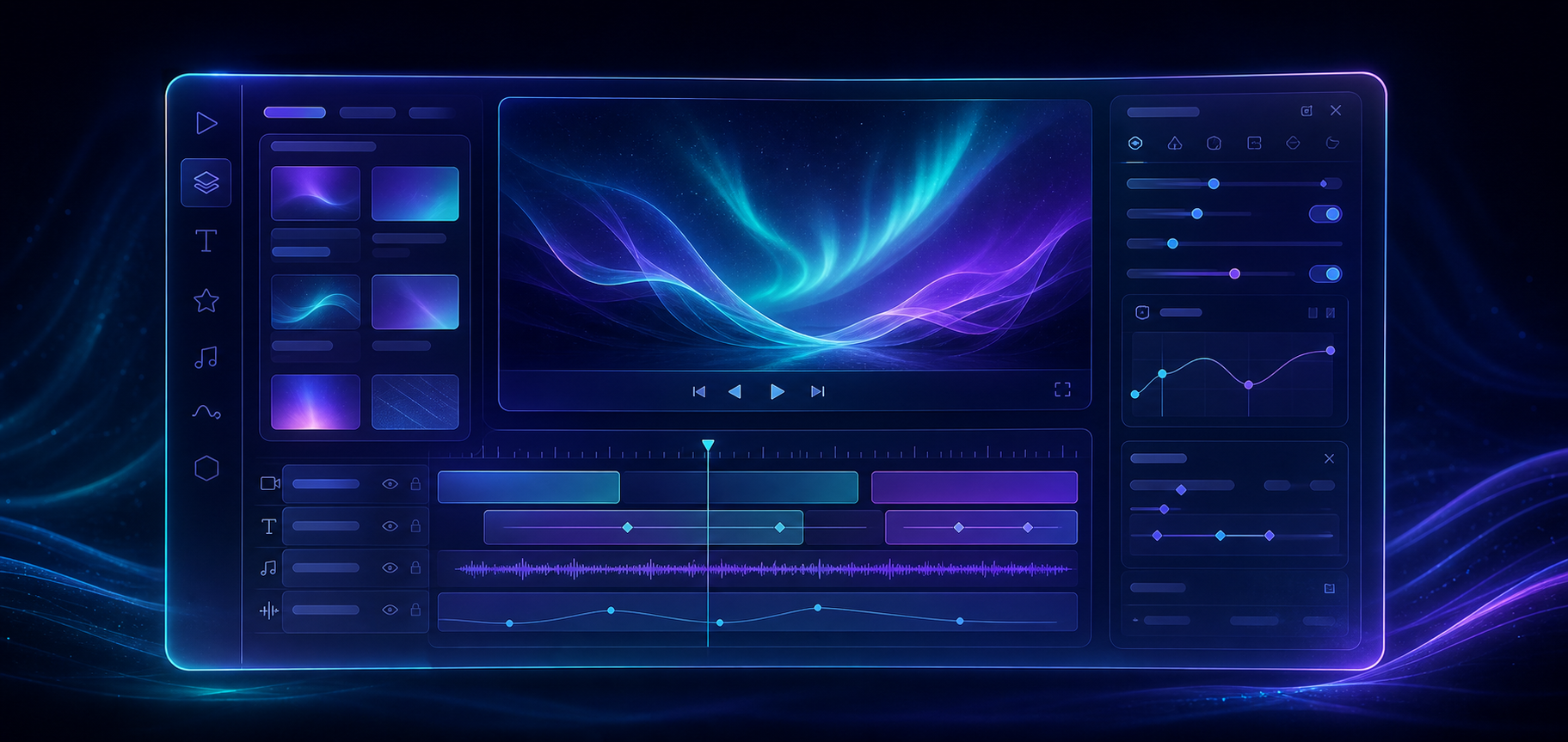
The component gives you a multi-track timeline, inspector controls, drag-and-drop editing, undo and redo, file uploads through callbacks, and MP4 export. VideoFlow also ships four built-in themes: light, grey, dark, and night, with CSS-variable customization when you need it.
Expected result: editors can work on the same video model without opening the renderer code or the template builder.
If you want the broader architecture behind that decision, read How to Add a React Video Editor Without Rewriting Your Render Pipeline.
5. Commit The Template, Review The JSON, And Keep Outputs Disposable
Once the template works, commit the source files and review the resulting JSON the same way you would review any other generated artifact. If the video changes, you should be able to see whether the update came from copy, timing, media, or renderer settings.
A practical review loop looks like this:
- Change the template in
video/templates/. - Compile to VideoJSON.
- Render in at least two environments.
- Inspect the diff before you merge.
That structure keeps the repo honest. It also makes it easier to back out a bad edit because the source of truth is still code, not a baked video file.
Expected result: your Git history explains what changed, why it changed, and which output it affected.

Troubleshooting
- If browser export works but server export fails, compare fonts, assets, and any environment-specific renderer settings.
- If the preview and MP4 do not match, check whether the same transitions, effects, and media are available in both render paths.
- If your Git diffs are noisy, keep generated MP4s out of the main review path and review the template plus JSON instead.
Conclusion
The simplest stable pattern is one template, one compiled JSON artifact, and multiple renderers. Start with @videoflow/core, keep the template in Git, and only add browser export, server batches, or the React editor when a real workflow needs them.
Next, compare this setup with How to Preview, Edit, and Export the Same Video JSON Everywhere if you want to tighten the renderer handoff, or revisit How to Build a JSON-First Video Workflow With VideoFlow if you want to go deeper on the portable JSON layer.