
July 31, 2026
How I Built a Local Query Layer for Claude Code With dash-p
A practical build note on scripting the real Claude Code terminal UI from Bash and TypeScript without changing the workflow.
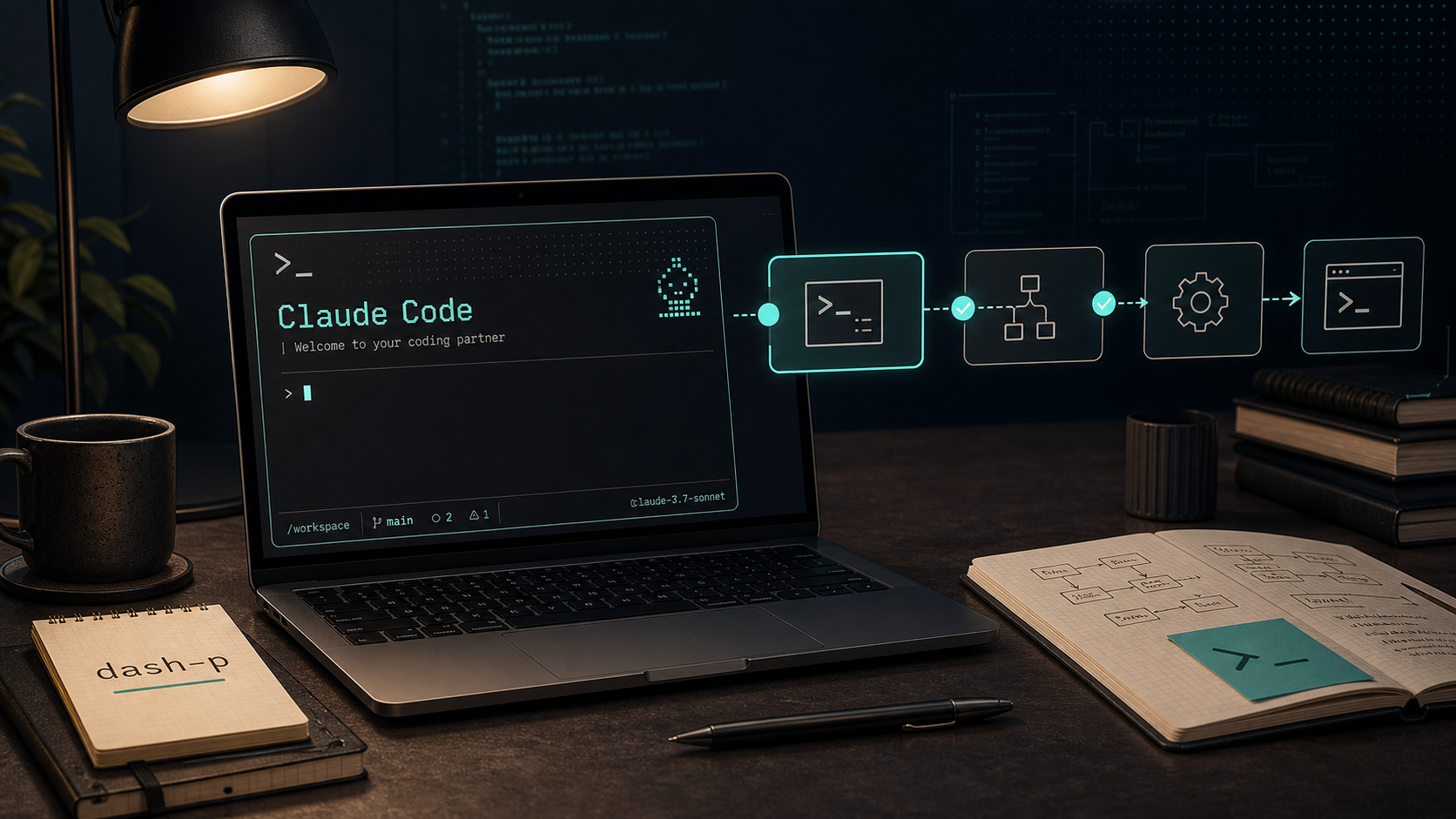
I wanted a way to script Claude Code without rebuilding my workflow around a different API path.
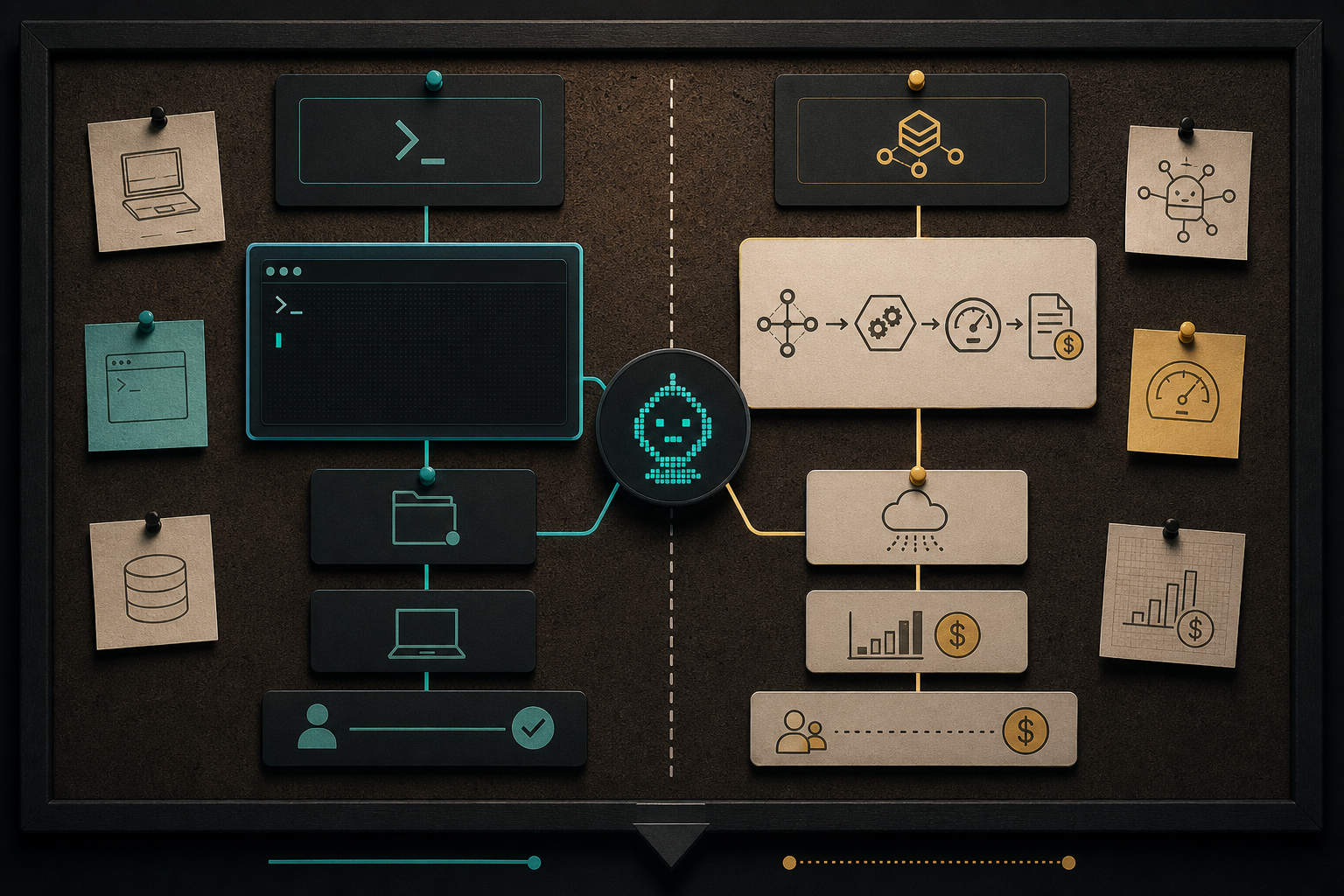
That sounds small, but the distinction matters. Anthropic’s help center now treats Claude Code subscription usage and API-credit usage as separate lanes, and it also warns that if ANTHROPIC_API_KEY is set in your shell, Claude Code can route through API billing instead of your subscription. I did not want my local automation to depend on a separate programmatic path just because I wanted a shell-friendly interface.
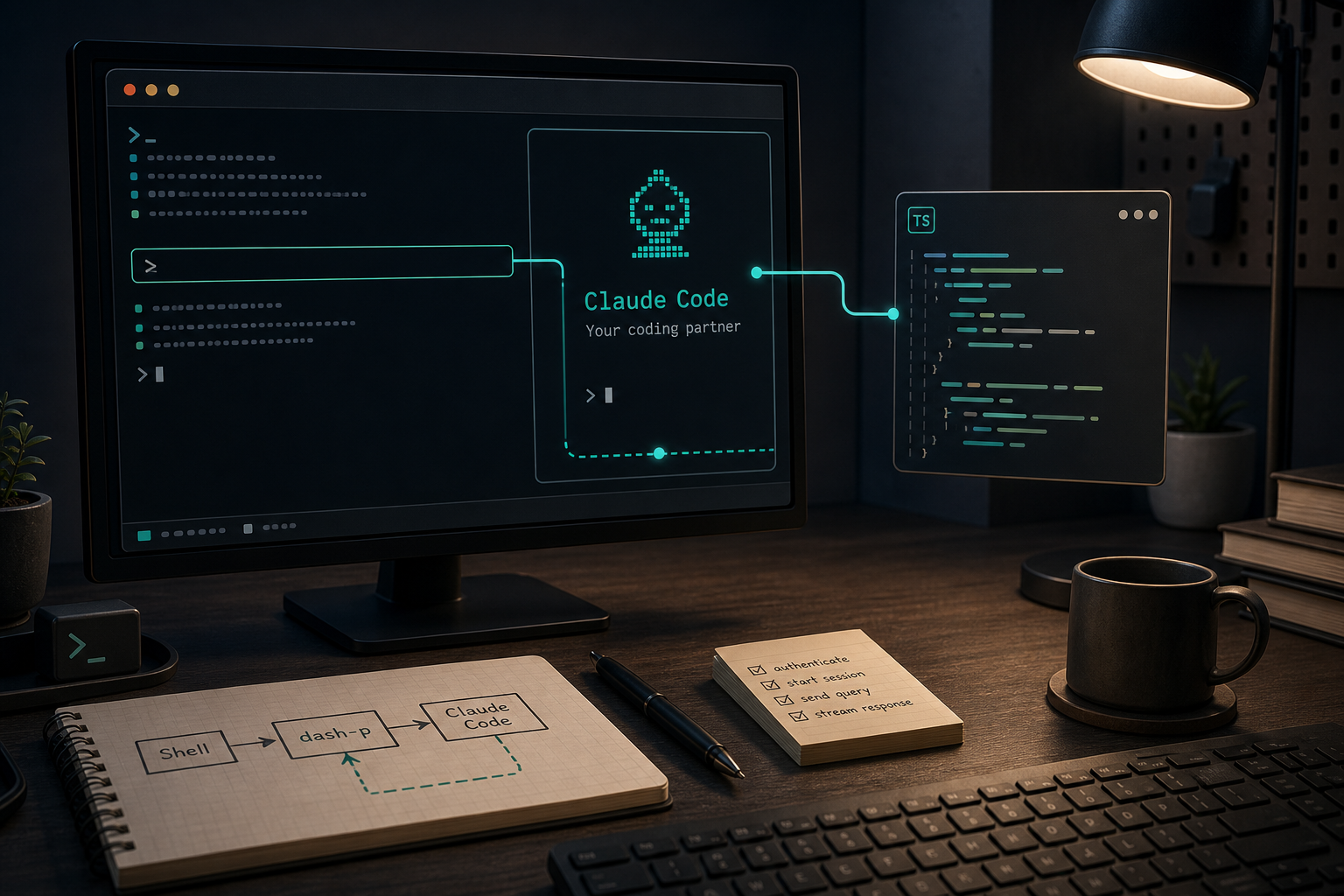
That is the gap dash-p fills. It launches the official claude command, injects input programmatically, reads the rendered terminal output, and gives me a CLI plus a TypeScript query() API. In plain English: it lets me keep the real Claude Code session I already trust, then script around it.
What I actually wanted from it
I did not need a new AI backend. I needed a small layer that could do three things well:
- summarize a repo before I open a pull request
- turn a local task into a repeatable shell command
- give me a structured response path when I want to use TypeScript instead of raw terminal output
That is why this feels different from a generic wrapper. dash-p is useful because it keeps the same Claude Code account, the same local session, the same permissions, and the same terminal workflow. It does not try to bypass authentication, fake network traffic, or pretend the interactive tool is something else.
If you have already read How I Turn Claude Code Into a Scriptable Terminal Workflow or How I Script Claude Code From Bash Without Switching to the Agent SDK, this is the next step: keep the local terminal workflow, but make it easier to call from scripts and services you already own.
Why the timing matters
The reason I started caring about this now is that the billing story around Claude Code got more explicit. Anthropic’s support docs say Claude Code on Pro and Max is a separate terminal workflow from API-credit usage, and the same docs call out the ANTHROPIC_API_KEY environment variable as a switch that can push Claude Code onto API billing.
That does not make dash-p a loophole. It just makes the trade-off easier to see.
- If you want the official programmatic path for a product or service, use the API or Agent SDK.
- If you want to automate your own local Claude Code session,
dash-pkeeps you in the terminal you already use. - If you want something closer to
claude -pergonomics but still tied to the real TUI, this is the sort of tool worth testing.
The first useful command
The shortest path to value is still the simplest command.
npm install -g @ybouane/dash-p
dash-p "summarize this repo"
That is enough to test whether the bridge makes sense in your own environment. I like starting there because it is easy to reason about. If the command can summarize a codebase reliably, it can probably handle other read-only or review-like tasks too.
There is also a no-install path if you want to try it quickly:
npx @ybouane/dash-p "what color is the sky"
I would use that for one-off experiments and the global install for repeatable local scripts.
The TypeScript shape is the part I would actually build on
The SDK-side query() API is what makes the tool feel composable. Instead of scraping terminal output by hand in my own code, I can iterate over streamed messages and decide what to do with the final result.
import { query } from "@ybouane/dash-p";

for await (const msg of query({
  prompt: "In one sentence, what is a pseudo-terminal?",
  options: { model: "sonnet", includePartialMessages: true },
})) {
  if (msg.type === "result") console.log(msg.result);
}
That pattern is useful when I want to wire Claude Code into a script that needs to keep moving after the result arrives. It is also the shape I want when I am building small internal tools, not just one-off terminal commands.
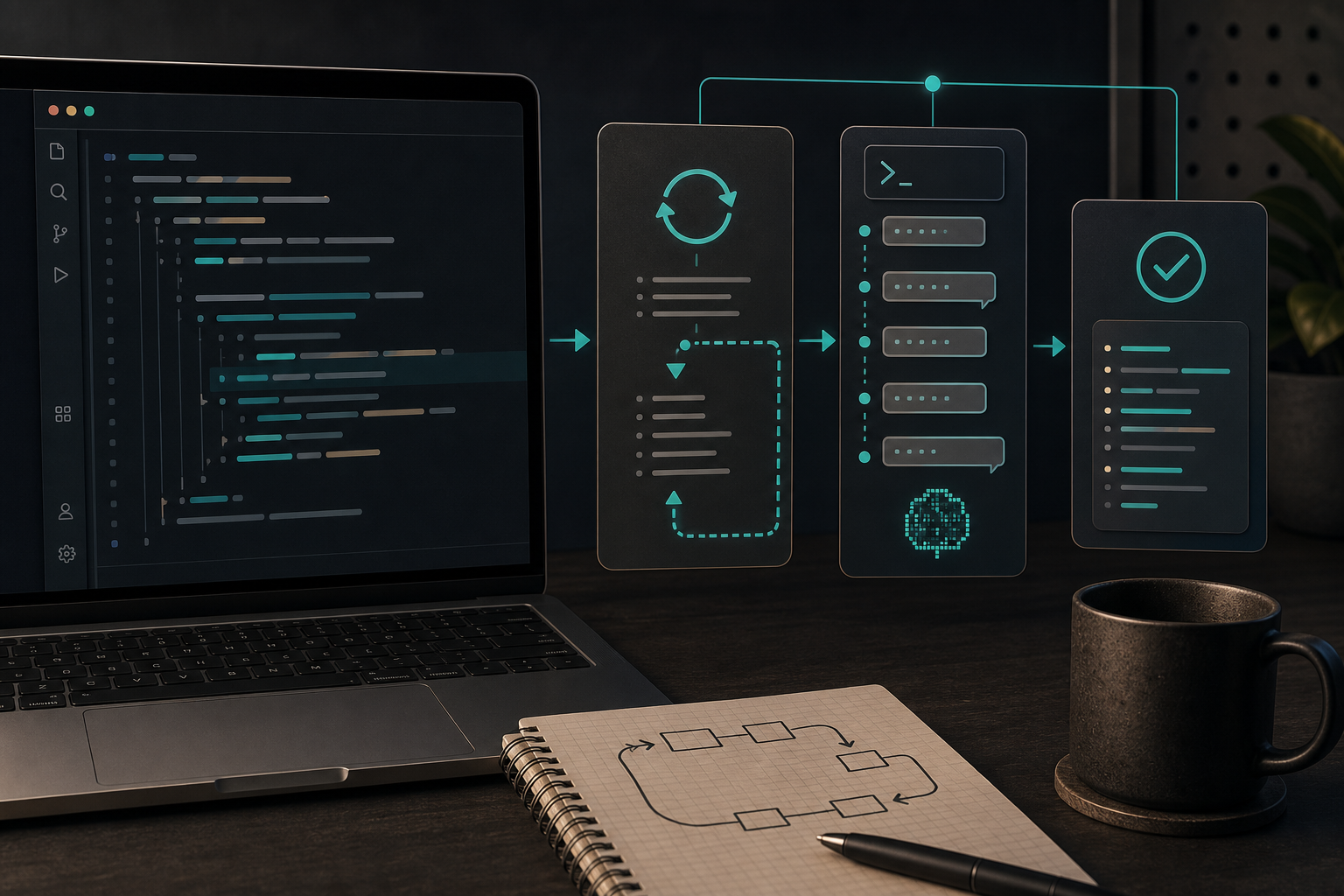
The important detail is not the syntax. It is the control flow. I can treat Claude Code like a local dependency that returns structured output, instead of treating it like a one-time manual interaction.
Where this fits, and where it does not
I would use dash-p for local developer workflows where the terminal is still the center of gravity:
- repo summaries before a review
- branch explanations before a merge
- small maintenance scripts that need AI assistance
- experiments where I want the real Claude Code session, not a separate headless system
I would not use it as the foundation for a hosted product or an unattended service. The whole point is that it is tied to the rendered Claude Code TUI, so it can inherit the same brittleness that comes with UI-driven automation. That is acceptable for local scripting and less appealing for a backend that needs API-level stability.
If you want the more experimental angle on this same idea, How to Build a Local Query API for Claude Code With dash-p and How to Automate the Real Claude Code Terminal UI With dash-p both cover adjacent versions of the workflow.
My takeaway
The biggest win here is not that Claude Code became magical. It is that I can keep the same local workflow and still make it scriptable.
That is a narrow use case, but it is a useful one. If you already like Claude Code in the terminal and you want a small bridge into Bash or TypeScript, dash-p is a practical place to start.
If you want to try it, start with a repo summary, then move to the query() API once you trust the output. The repository is dash-p.