
August 1, 2026
How to Launch a Shopify Product With AI Avatar Videos
A step-by-step launch workflow for making AI avatar product videos, scene variations, and ad-ready clips with Supra UGC Maker.
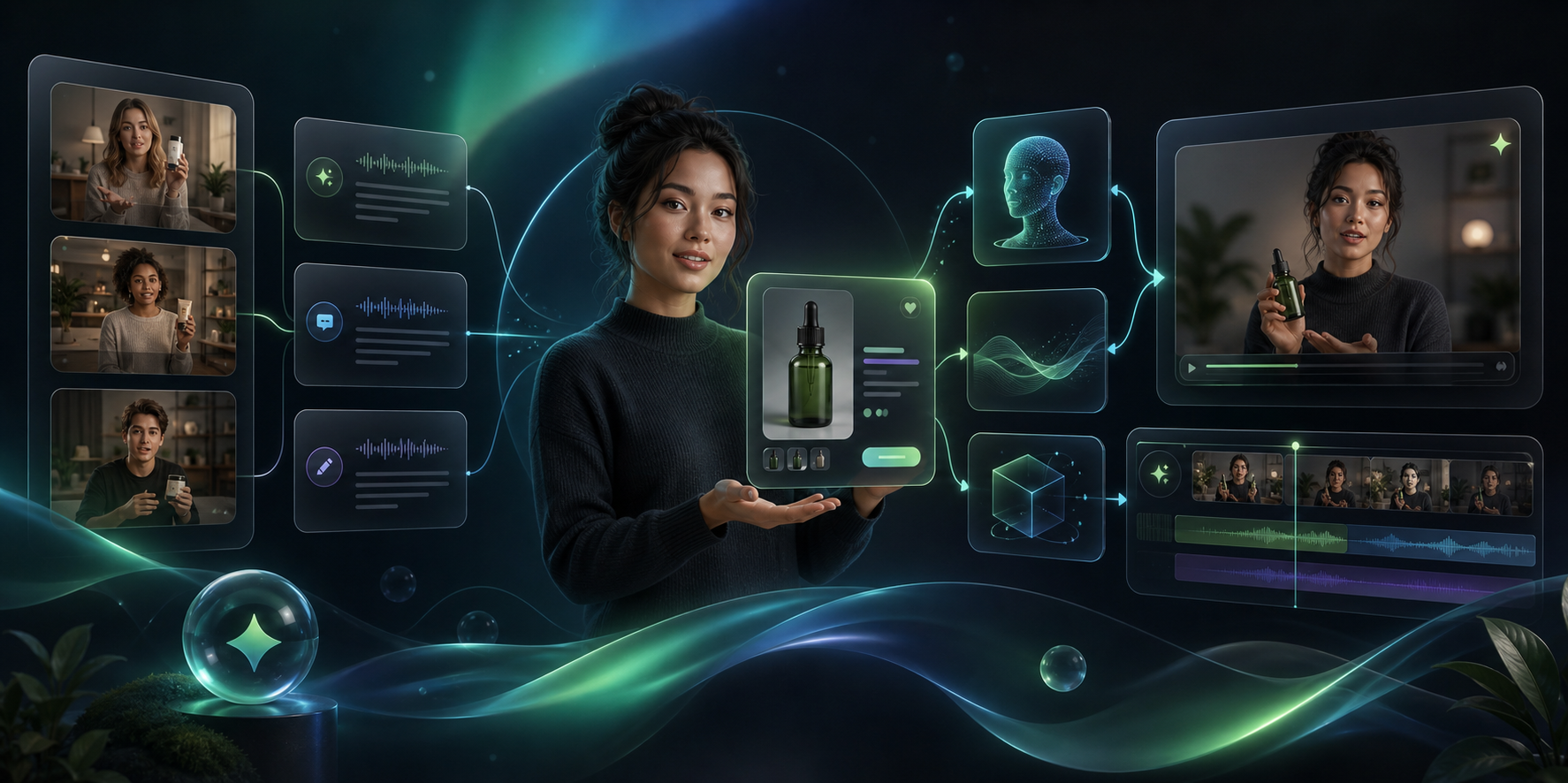
If you are launching a Shopify product, you usually need more than one video: a short ad, a product page clip, an email teaser, and maybe a retargeting cut. Supra UGC Maker is built for that job. It lets you combine avatars, scenes, scripts, speech, and product references into reusable projects, and the Shopify App Store listing shows the same launch-oriented workflow from a different angle.
The advantage is simple. Instead of hiring a crew for every variation, you can build one base project, review it, and spin it into the launch assets you actually need.
1. Start With The Launch Job
Before you open the app, decide what the video has to do.
For a launch, I would choose one primary job first:
- a paid social ad for discovery
- a product page clip that explains the offer
- an email teaser for launch day
- a follow-up video for retargeting or post-purchase support
Then write one sentence that names the shopper problem and one sentence that names the action you want them to take. That gives the project a narrow goal. Narrow is good here, because it keeps the script, avatar, and scene from drifting in different directions.
Expected result: you have a launch brief that is specific enough to guide the video, but not so broad that the output feels generic.
2. Turn The Product Into A Short Brief
Supra UGC Maker works best when you bring it a real product context instead of a loose theme. The product file for this app calls out a few inputs that matter: a preset avatar or custom AI model, a scene or background, a Shopify product, a script, and a voice or tone choice. That is enough structure to keep the launch video grounded.
I would reduce the product brief to five parts:
- product name
- target customer
- one safe claim you can actually support
- one product detail worth showing or saying
- one clear CTA
Once you have that, turn it into a hook and a short script. If you want a deeper version of this same step, How I Turn One Shopify Product Brief Into UGC Video Variations and How to Create Five Shopify UGC Video Ads From One Brief both show how one brief can become several different cuts without losing the original product context.
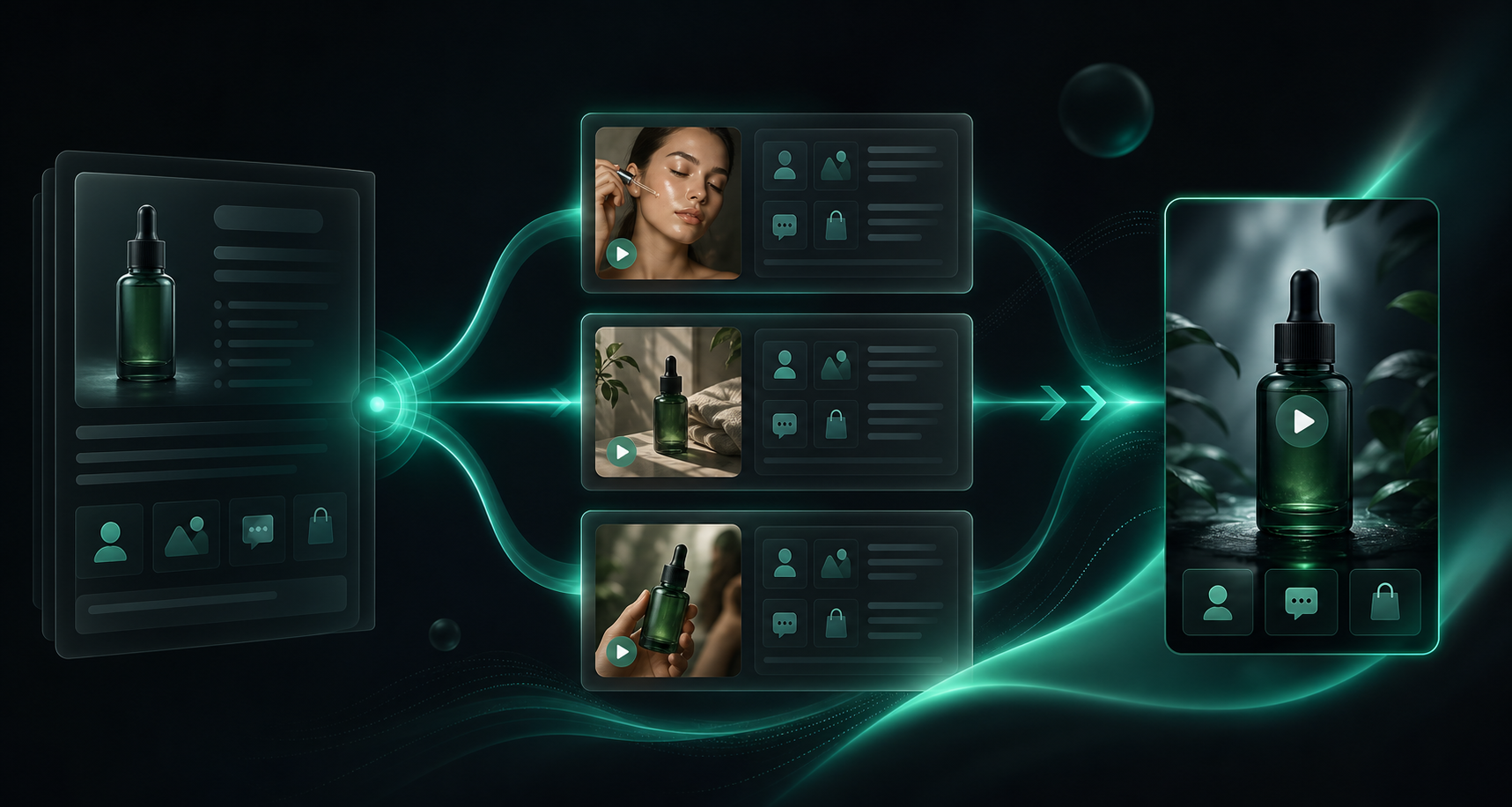
Expected result: you have a base script that reads like a launch message, not a generic promo.
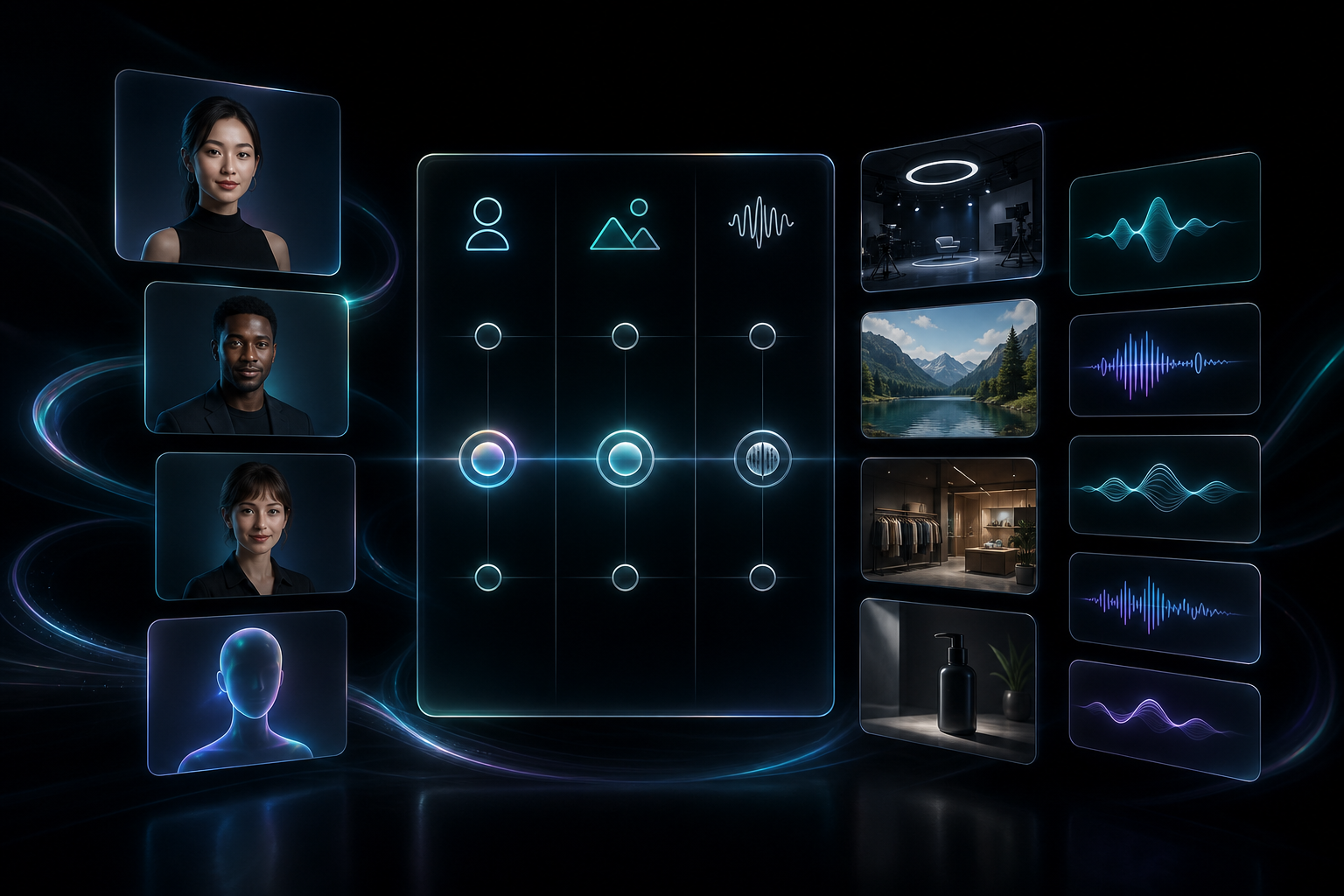
3. Choose The Avatar, Scene, And Tone Together
This is the part where most AI video tools either become useful or start to feel random. The avatar, the scene, and the tone need to agree with each other.
For a clean launch workflow, I would choose the combinations with the least friction:
- a studio scene for polished product explanation
- an outdoor or lifestyle scene when the product needs context
- a boutique or branded setting when the visual identity matters
- a direct product-demo scene when the product itself should stay in focus
The app supports reusable projects, so you do not need to rebuild that combination every time. If you are trying to decide which combination deserves a test first, How I Build a Shopify UGC Video Test Matrix is a useful companion, and How I Reuse One Shopify Product Video Across Ads, Product Pages, and Email shows how to carry the same output farther once it works.
Expected result: the first video feels intentionally designed for the launch, not assembled from unrelated parts.
4. Generate The First Cut And Review It
Once the project is set up, generate one base video first. Do not start with a pile of variations. Start with the version that most closely matches the launch job you defined in step 1.
When you review that first cut, check four things:
- does the avatar mention the product early enough
- do the product references look relevant and visible
- does the hook sound like something a shopper would actually hear
- does the clip answer the launch question instead of wandering into filler
If it feels too broad, tighten the script. If it feels too repetitive, change the scene or tone before you touch the product framing. That keeps the changes small and easier to reason about.
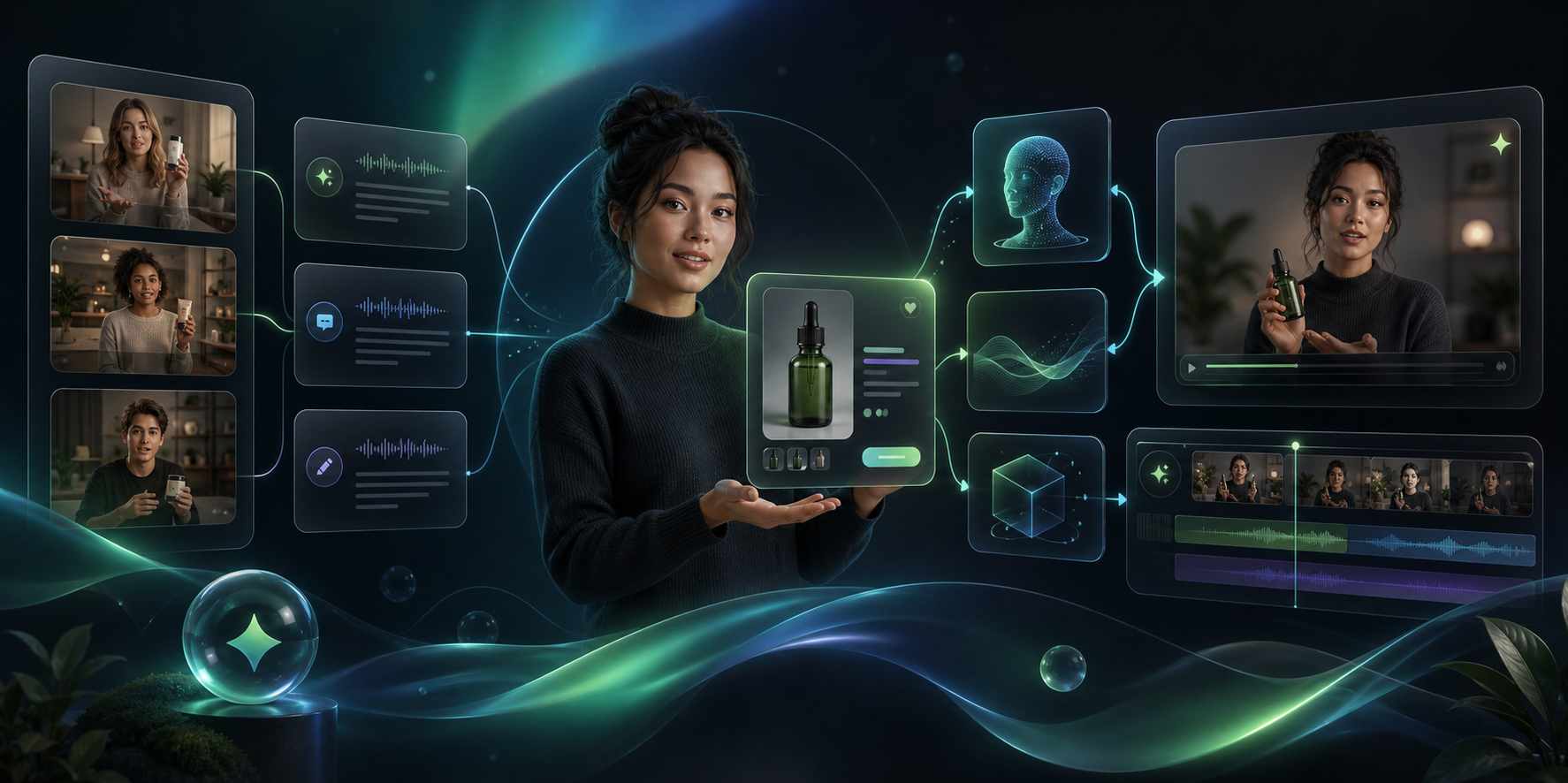
Expected result: one base cut you can trust as the source for the rest of the launch assets.
5. Spin The Base Cut Into Launch Variations
After the base cut is working, use the project to create the variations you need for the funnel. The value here is not just speed. It is consistency. You are keeping the same product context while changing only the angle.
I would usually make at least three variants:
- a benefit-first ad version for discovery
- a product-detail version for the product page
- a calmer educational version for email or retargeting
If the launch needs more coverage, the same approach can stretch farther. How I Turn One Shopify Product Brief Into UGC Video Variations and How I Build a Shopify UGC Video Test Matrix both point at the same idea from different angles: small changes across hook, avatar, and scene are usually enough to discover what works.
Expected result: you get multiple usable clips without rebuilding the project from scratch.
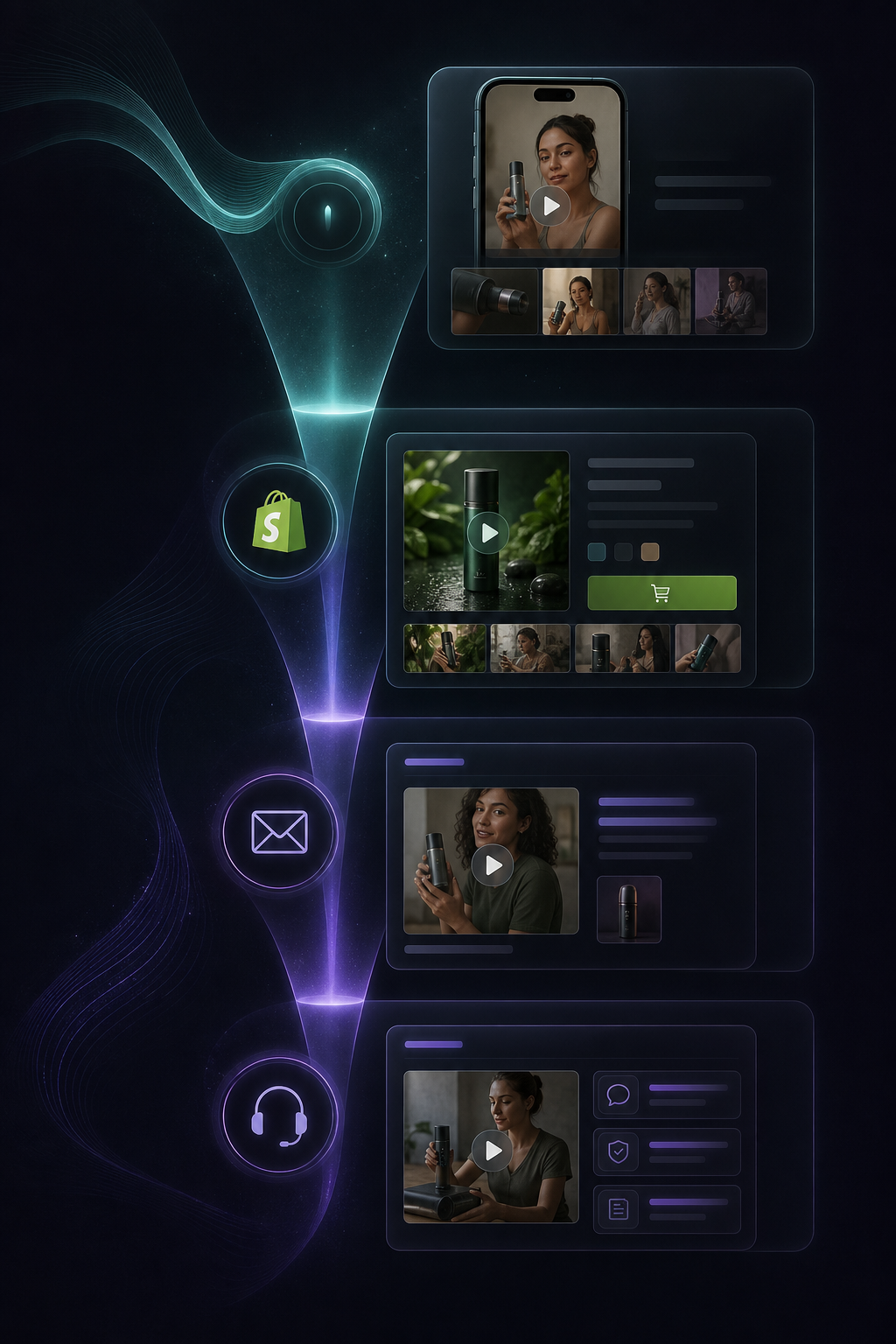
6. Put The Videos Where They Do The Most Work
The best launch videos do not live only in the ad account. They should also support the page where the shopper decides, and the message where the shopper gets reminded later.
A practical placement mix looks like this:
- paid social for discovery
- product page for explanation
- email for launch support
- post-purchase or help content for reassurance
That is the real payoff of a reusable UGC workflow. The same project can support more than one part of the launch instead of dying after the first ad test. If you want to think about placement more systematically, How I Reuse One Shopify Product Video Across Ads, Product Pages, and Email is the best next read.
Expected result: the same launch asset helps multiple stages of the buyer journey.
Troubleshooting
If the output feels generic, shorten the script and name the product sooner.
If the video over-explains, remove one idea and keep the CTA simple.
If the visuals do not match the audience, change the scene before you change the copy.
If the project starts to feel repetitive, vary the tone or the setting instead of rebuilding every asset.
Expected result: fewer wasted generations and faster iteration.
Next Step
If you want to try this workflow yourself, start with the free plan on Supra UGC Maker or open the Shopify App Store listing. Build one launch project, make two variations, and check whether the clips are good enough to reuse on the product page and in email.
The main lesson is straightforward: one solid AI avatar project can cover a lot of launch ground if you define the job first, keep the script short, and reuse the same product context across every cut.